 The 360 Guy
Insta360’s rise as a key player in the action camera market is marked by its leading products, the Insta360 X3 and Ace Pro. The X3, renowned for its 360-degree capabilities, offers innovative video modes and unique shot creation, setting it apart from traditional cameras. In contrast, the Ace Pro, akin to GoPro models, distinguishes itself as the first action camera to offer 8K video resolution.
With over five years of experience in testing Insta360 products, my goal with this post is to guide those uncertain about which model best suits their needs.
Insta360 X3 vs Insta360 Ace Pro
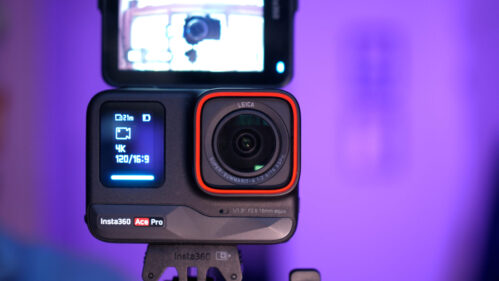
Insta360 Ace Pro
 insta360.com
Insta360's first full action camera. Featuring 8K video, Ai Editor, Active HDR as well as half a dozen more innovate features.
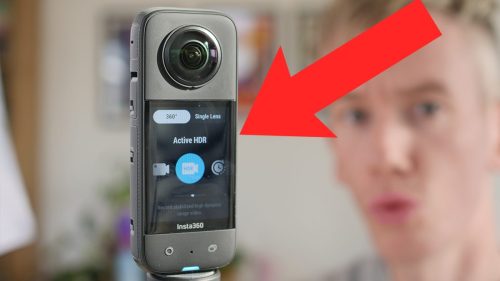
Insta360 X3
insta360.com A creative powerhouse with a huge number of shooting modes and unique capabilities.
Specs Comparison
[wpsm_comparison_table id=”120″ class=””]
Camera Design
When comparing the Insta360 X3 and its counterpart side by side, their distinct product categories become immediately evident. The X3, characterized by its unique candy bar shape, is equipped with two fisheye lenses, setting it apart in design and functionality.

These two lenses work together to create 360 media, but they also make the camera more vulnerable to damage. Any scratches on these lenses will impact video quality so you need to be careful they don’t get damaged. There are lens protectors available but the too can reduce the quality of your shots if not installed properly.

You’ll find a large touch screen which makes using the camera extremely easy as well as a few physical buttons for power, shutter and a quick menu key.
There’s a standard tripod mount built into the bottom of the camera which is very important for achieving the invisible selfie stick effect, something which I will go into later.
Onto the Ace Pro now, which more closely resembles action cameras like GoPro’s hero range. The square shaped camera has a large single lens as at the front as well as an almost full body touch screen at the rear. You can flip the screen 180 degrees so you can make use of it in more varied situation.
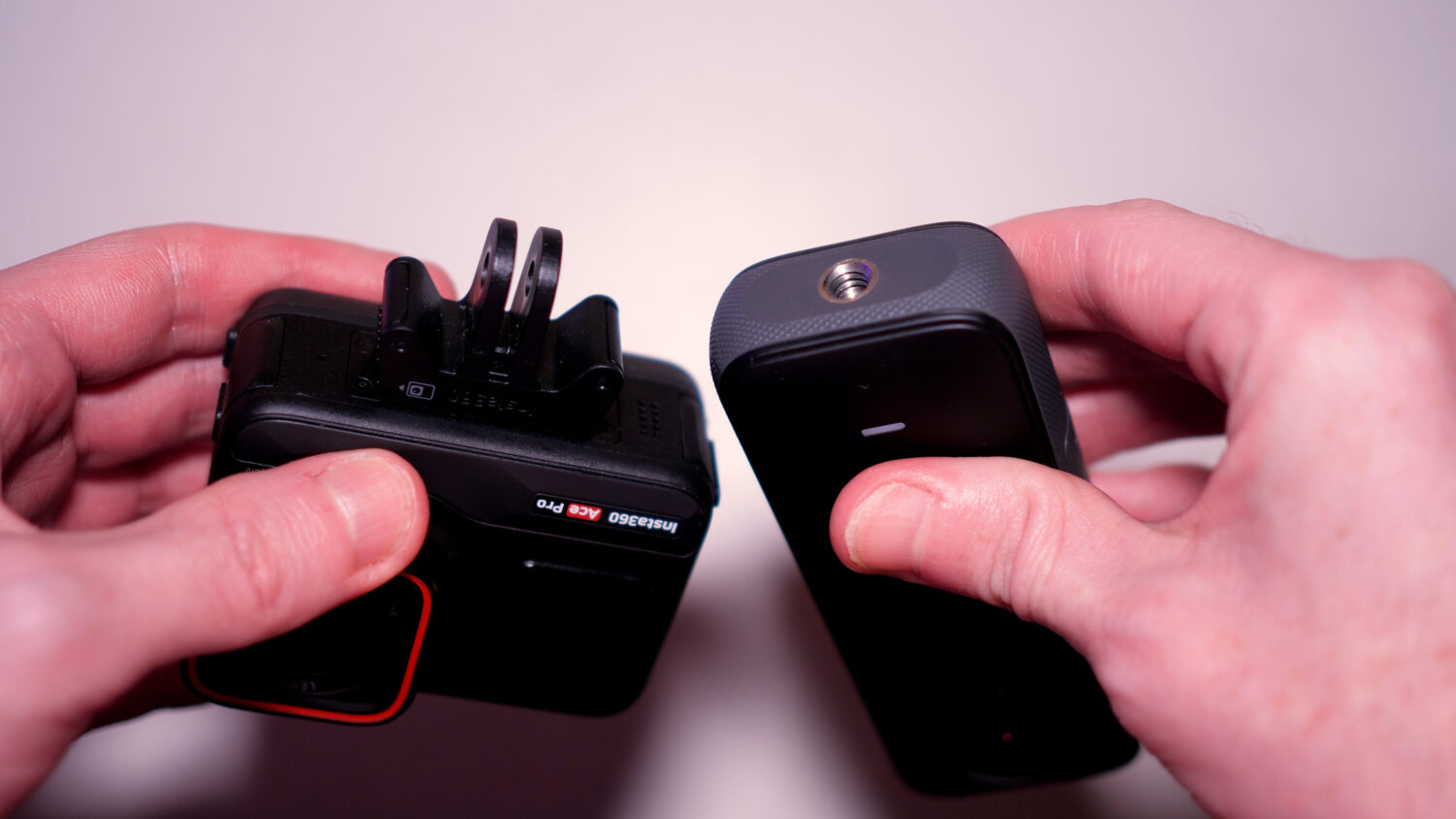
There’s a magnetic mount on the bottom of the camera can be removed with a bit of force; this mount is the same GoPro uses so it’s compatible with hundreds of accessories available now.
The Ace Pro feels more rugged than the X3 and is certainly more likely to survive in any rough situations.
360 vs Non 360
The main and most obvious difference between these two products is that one is a 360 camera and one is a standard action camera, but what does that mean in reality? Here’s a quick summary of the difference between these two types of cameras:
360 Camera
Pros:
- Complete Field of View: Captures a 360-degree view, providing immersive and comprehensive footage.
- Versatile Post-Production: Allows for creative editing options like reframing and panoramic stills after recording.
- Virtual Reality Compatibility: Ideal for creating content for VR platforms.
- The Best Stabilization: 360 cameras have the best stabilization of all cameras, even in the most extreme shots.
- No Need to Aim: Captures everything around, reducing the need for precise camera positioning.
Cons:
- Higher Price: Generally more expensive than standard action cameras.
- Complex Editing: Requires specialized software and skills for editing 360 footage.
- Lower Image Quality: Often has lower resolution when cropped or zoomed compared to traditional cameras.
- Larger File Sizes: 360 videos are larger in size, demanding more storage and processing power.
- Potential for Stitching Errors: Seamless stitching of the footage can be challenging and sometimes imperfect.
Standard Action Camera
Pros:
- Better Image Quality: Typically offers higher resolution and quality for standard field of view.
- Ease of Use: Simpler to operate and requires less technical know-how.
- Cost-Effective: Generally more affordable than 360 cameras.
- Editing Simplicity: Easier to edit with standard video editing software.
- Durability and Compactness: Often more rugged and compact, suited for extreme sports and conditions.
Cons:
- Limited Field of View: Only captures what is directly in front of the lens.
- Need for Precise Framing: Requires the user to aim the camera accurately to capture desired shots.
- Less Immersive Footage: Cannot create the same immersive experience as 360-degree footage.
- No Post-Shot Reframing: The angle and frame are fixed once recorded, with no option to change perspective later.
- No VR Capability: Not suitable for creating virtual reality content
While this pretty much summarises the difference between these two cameras, it’s important to take a look at some real life examples. As I mentioned I’ve been using both of these camera extensively so let’s look at some footage shot with both cameras.
Shooting Video
Comparing these two cameras is a bit like comparing apples with oranges, particularly when it comes to video quality. The Ace Pro is always going to win in this type of comparison.
The Ace Pro captures flat video at up to 151 degrees field of view. The max video resolution is 8K, however in this mode you won’t get the best stabilization or HDR. You’ll probably be shooting in 4K most of the time, so you’ll have 4K video spread over between 100 – 150 degrees.
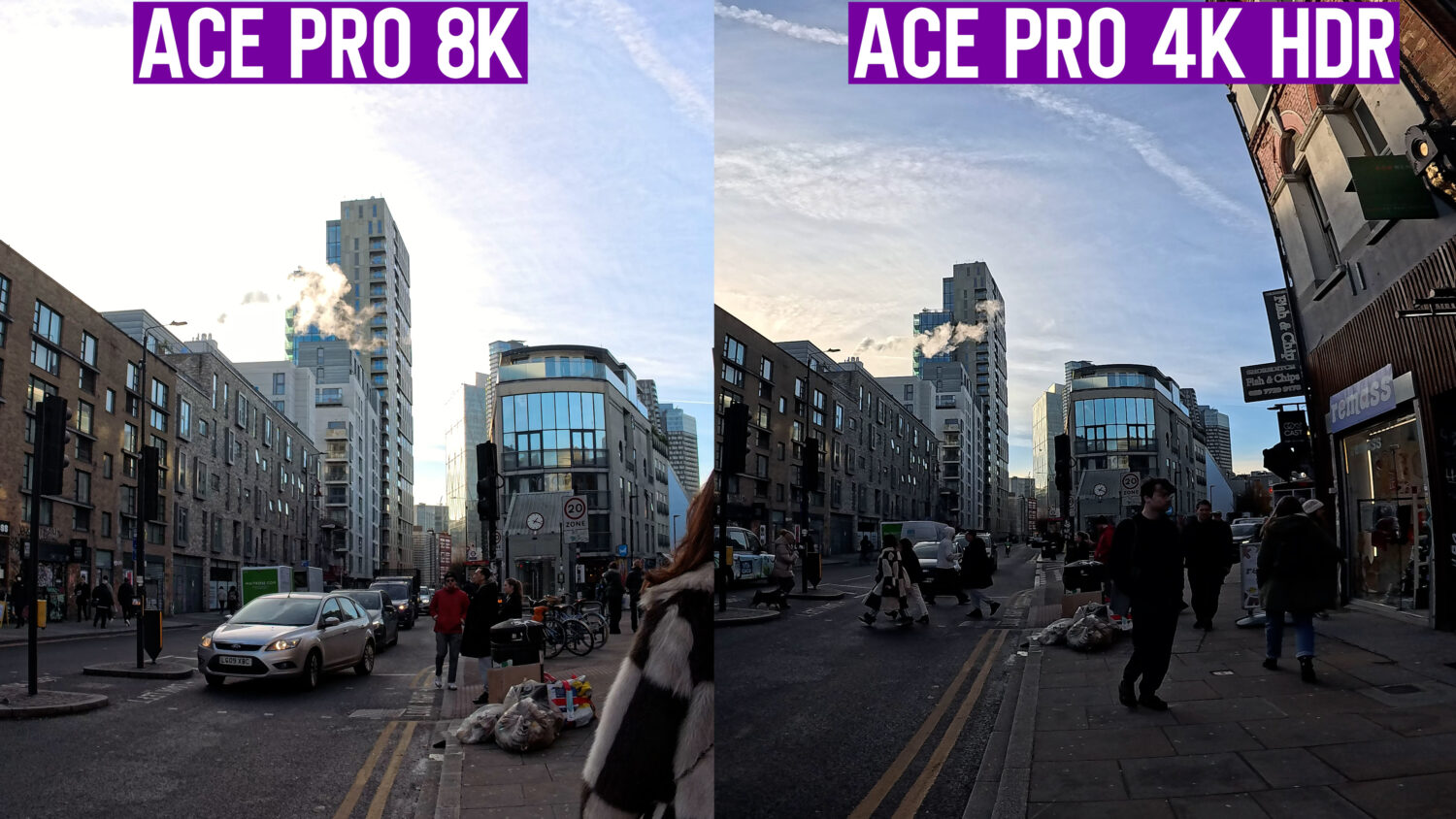
In comparison the Insta360 X3 shoots 5.7K video but this is spread out over 360 degrees. You don’t have to be a mathematician to work out that there will be more pixels per inch when shooting with the Ace Pro which is why video shot with this camera looks so much sharper.
It’s the main drawback of every 360 camera that the video doesn’t look quite as sharp or high quality as standard action cameras. So why both shooting with 360 cameras at all?
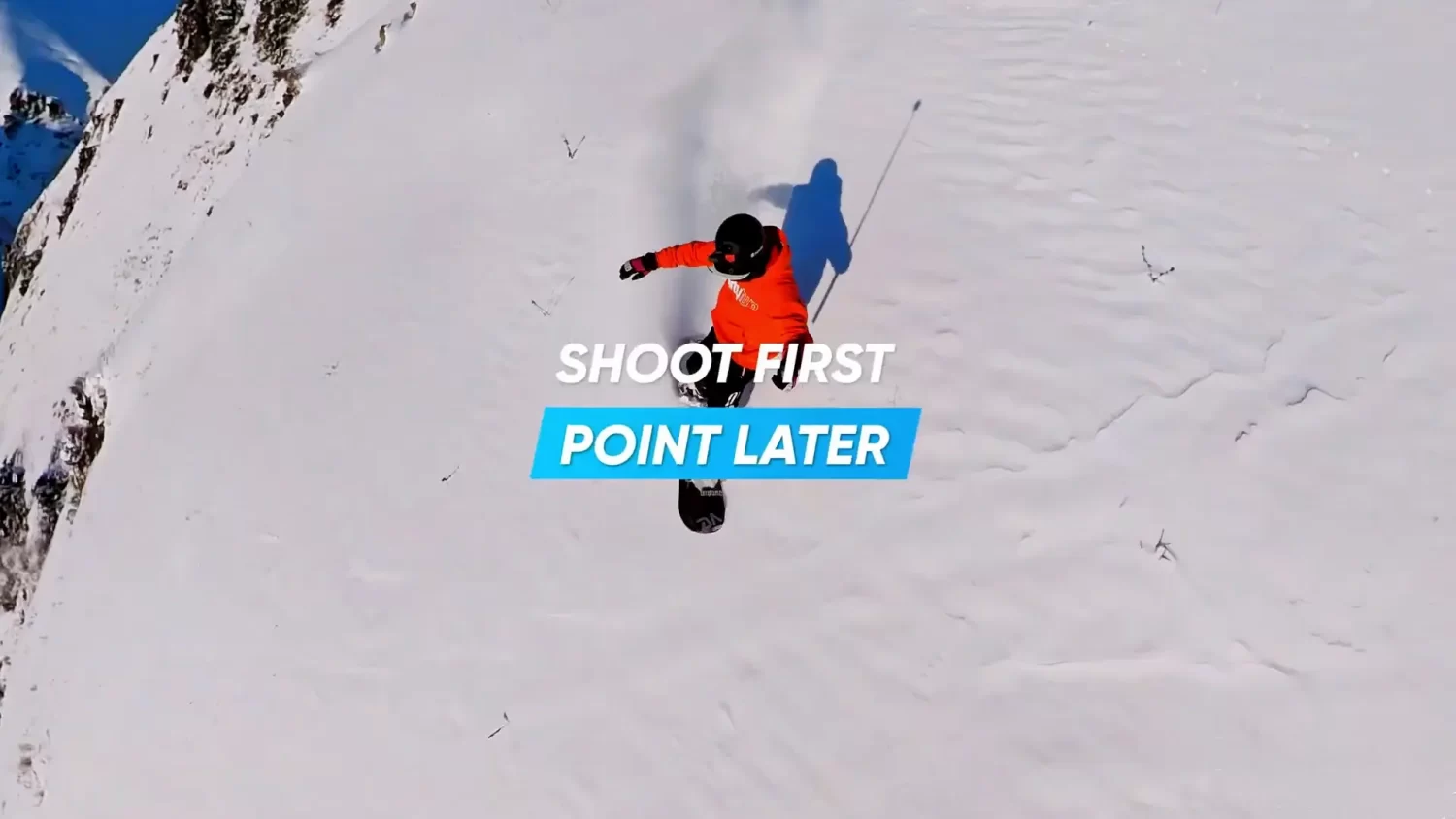
With 360 cameras you don’t have to worry about pointing your camera as you’re capturing everything at once, so you’ll never miss a thing. You’ll have the ability to “shoot first, point later” in the editor. 360 cameras are also capable for creating unique effects that non-360 cameras can’t, so you can get super creative.
360 cameras also have the ability to achieve the “invisible selfie stick” effect. All you need to do is use a compatible selfie stick and mount it to the camera. The bind spot between the two lenses keeps the selfie stick hidden; when you shoot you video it will look like the camera is floating.
It’s super easy to create these kinds of shots with the X3 and some of my most popular videos feature this kind of effect. The Ace Pro has a “remove selfie stick” editing option, but this is less reliable.
But just looking at video quality it’s pretty clear that the Ace Pro shots are sharper, more colourful and dynamic. This difference becomes even more pronounced when shooting at night where the Ace Pro excels with it’s “Purevideo” mode designed for night shooting.
Unique Video Modes
Insta360 has developed a reputation for creating innovative video modes within their products. With that in mind let’s take a look the shooting modes in each of these cameras and see what stands out.
Insta360 X3 360 Mode Video Options:
- Standard Video: For capturing 360-degree videos.
- Active HDR Video: Enhances details in highlights and shadows, ideal for motion-stabilized videos in bright or backlit environments.
- TimeShift: Allows hyperlapse videos while moving.
- Loop Recording: Continuously records video but saves only the latest clip, useful for unpredictable events.
- Bullet Time: Creates slow-motion videos with a 360° spin effect.
- Timelapse: Suitable for static 8K 360 timelapse videos.
Insa360 X3 Single Lens Mode Video Options:
- Standard Video: For wide-angle video recording.
- Me Mode: Records 60fps wide-angle video with the Invisible Selfie Stick effect, automatically keeping you centred without needing to reframe afterward.
- Loop Recording: Similar to the 360 mode, it continuously records but only keeps the latest clip.
Insta360 Ace Pro Video Options:
- Video Mode: The standard setting for capturing footage up to 4K at 30, 60, or 120fps. Active HDR automatically activates at 4K30fps and lower, improving image quality and vibrancy.
- PureVideo: Ideal for night shots and low-light scenes, this mode utilizes an AI chip for intelligent noise reduction and better highlight control.
- FreeFrame: Allows shooting in a 4:3 frame, giving the freedom to export in various aspect ratios. This mode is useful for social media posting and allows post-production adjustments like FOV, stabilization, and Horizon Lock.
- Creative Modes: Includes TimeShift (hyperlapse), Timelapse, Slow Motion, Starlapse, Interval Photo, and more.
The X3 features more unique and creative video modes, but some of them are a bit gimmicky. The Ace Pro slow motion and Purevideo Mode are genuinely impressive and make the camera feel next-gen.
Stabilization
Having used both of these camera extensively I can vouch for them both as excellent options for action shots, but there is one clear winner.
Like all 360 cameras the Insta360 X3 is able to keep even the most intense action shots stable and smooth.
The camera has much more information to work with so even if you spin the camera around you can lock the view forward and it won’t even look like the camera is moving at all. This epic stabilization is applied to all video so you don’t need to worry about setting anything up.
The Ace Pro is no slouch either when it comes to action orientated video. When shooting in the 4K video mode the best stabilization can be applied, as well as an ultra wide field of view. When you activate the best stabilization option, including horizon lock, the video quality will be noticeably reduced.
Photography
While high-end smartphones may surpass the Insta360 X3 and Ace Pro in photo quality, these cameras offer a few unique capabilities.
The X3 excels with its 72MP 360-degree photos that are sharp and compatible with platforms like Facebook’s 360 view and Google Street View. Its HDR mode and RAW image capabilities enhance photo quality, albeit with a reduced resolution.
The Ace Pro, with a maximum of 42MP, might not outperform top-tier smartphones but still delivers quality images. Once again RAW and HDR modes offer improved quality and both cameras feature a “Pureshot” mode for better night shots.
The X3’s novelty in 360-degree photography offers a distinct experience, though it requires familiarity with handling 360 images. I haven’t found much of a reason to use the Ace Pro’s photo modes.
Software
Both of these cameras use the Insta360 App and Insta360 Desktop Studio software, and regardless of which camera you choose you’ll want to download both of these to get the most out of your camera.
The Insta360 App in particular is a comprehensive editor with more features than I can count. Each camera has access to different editing functions with the X3 requiring the most.
This is where you can utilise the “shoot first, point later” reframing and create the unique shots that only 360 cameras are capable of.
The Insta360 app have AI editors and can automatically create vlogs. You can combine clips, colour correct, track object, add music and much more.
One feature that’s unique to the Insta360 Ace Pro is the AI Warp effect, which utilises a ChatGPT-like prompt box to allow you to edit short clips. This feels like the future of video editing and it’s exciting to see where this develops in the future.

The desktop studio software is also compatible with both of these cameras but doesn’t feature nearly as many options. You should use this program to get the maximum quality and highest resolution from your videos.
Other Considerations
Water Resistance: Both cameras are waterproof up to 10m without a case, however some users have reported water damage in the X3 so I would proceed with caution.
Battery Life: The X3 can shoot around 70 minutes of constant video at the highest resolution in a single change. The Ace Pro can last longer at around 100 minutes.
Summary
I’ve given you a lot of information in this post so let me try and summarize. The Ace Pro stands out for its high-quality video, user-friendliness, and minimal editing needs. Meanwhile, the Insta360 X3 shines with its expansive creative possibilities and diverse shooting modes, albeit with a steeper learning curve.
If you’re seeking an unconventional action camera experience, the X3 is your go-to. Conversely, the Ace Pro offers a significant advancement in the action camera market, though it has its limits in shot diversity.
Where to Buy
Insta360 Ace Pro
insta360.com Insta360's first full action camera. Featuring 8K video, Ai Editor, Active HDR as well as half a dozen more innovate features.
Insta360 X3
insta360.com A creative powerhouse with a huge number of shooting modes and unique capabilities.


Owner of threesixtycameras.com. Writer, photographer and videographer. You can see my YouTube channel for guides of how to shoot 360 video. I've written for The Times, Digital Photography School and Sunday Express.