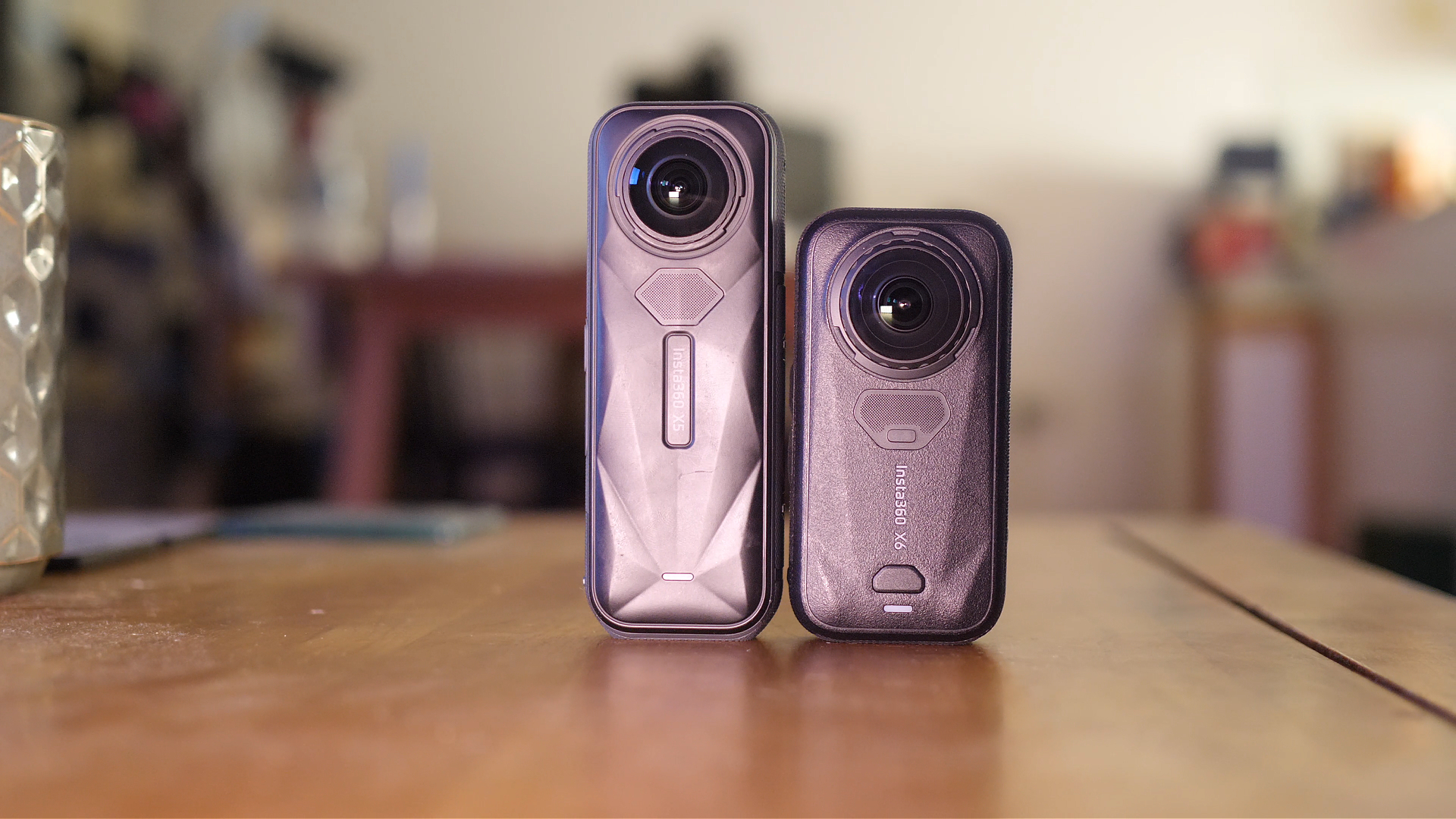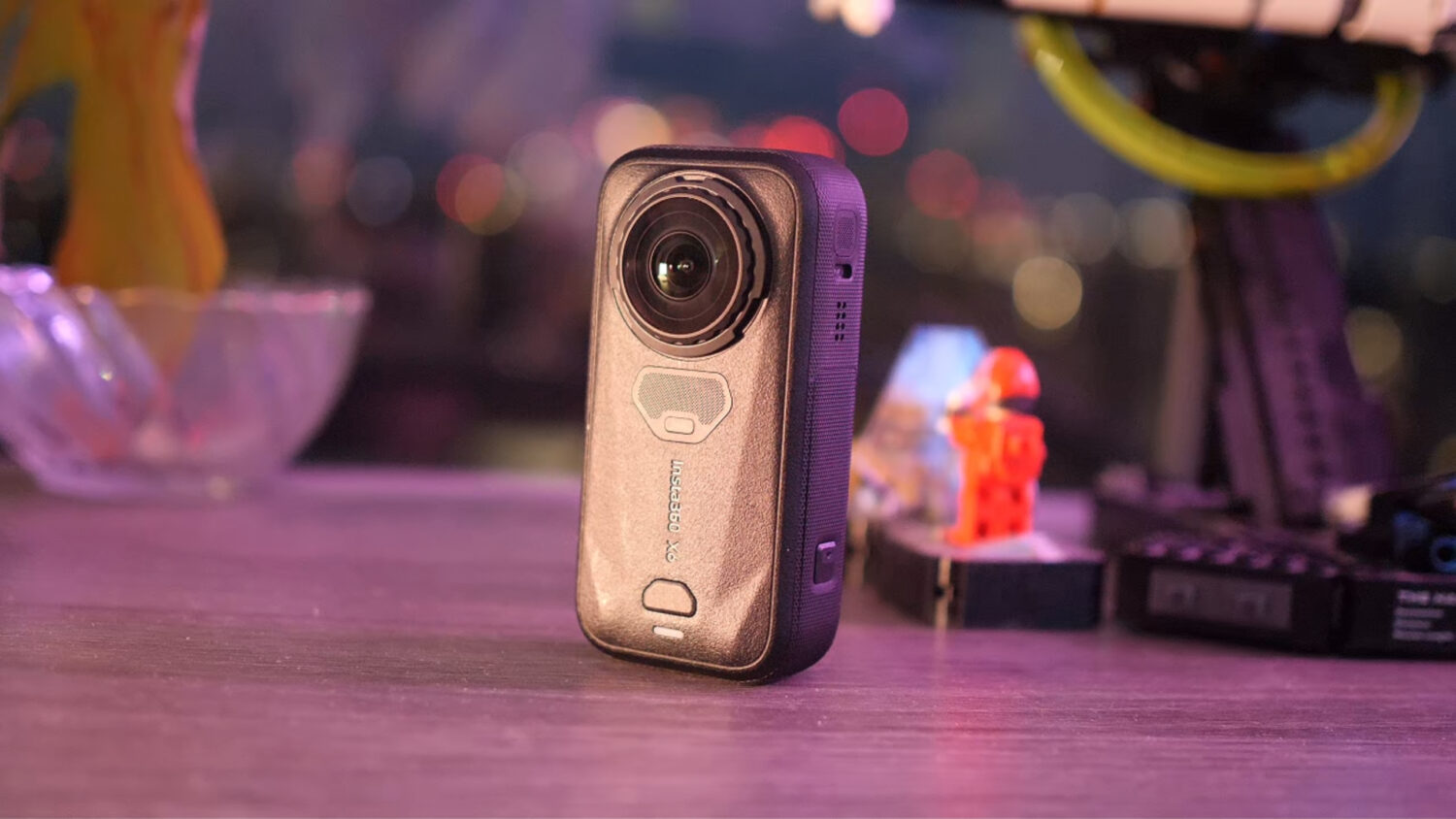
Can you use the Insta360 One X2 for Virtual Tours?

The Insta360 One X2 (review here) is a very popular 360 camera that’s best known for its ability to shoot great quality 360 video with near perfect stabilization. The One X2 is an amazing choice for creating unique action shots, maybe the best ever.
But like all 360 cameras the One X2 is also able to shoot 360 photos, and the results coming out of it are actually pretty good. A question I often get asked is if the Insta360 One X2 can be used to shoot virtual tours. The answer is technically yes; any camera that can shoot 360 photos can be used to create virtual tours. The question remains, is the image quality is good enough for professional purposes?
Let’s take a closer look at the Insta360 One X2’s capability to shoot VR tours and answer this question one way or another.
Insta360 One X2 for Virtual Tours
What Should You Look For?
A good VR tour camera should be able to shoot high resolution 360 photos in a variety of lighting conditions. Ideally the camera should have a sensor (s) large enough to capture great quality indoor photos while avoiding noise.
You need to be able to fully control the camera in a manual mode, allowing you to adjust ISO, shutter speed, aperture and white balance. This allows you to adjust your images depending on the situation.
The idea photo l format for getting the best quality possible is RAW, with HDR + RAW being even more ideal.
One X2 Specs
[wpsm_comparison_table id=”73″ class=””]
When looking at the specs we are most interested in the photo capabilities. In this case the One X2 is a mixed bag. On the one hand is features two small 1/2.3 sensors, which are used commonly in action cams for their small size.
The size of the sensors is important as it determines how much light the camera has to work with. The larger the sensor the better quality the image should be. DLSR’s have much larger sensors, then Micro 4/3 have slightly smaller, then we go down to 1 Inch cameras like the Ricoh Theta Z1 and finally action cameras like the GoPro Max and One X2.
On the other hand the One X2 has the ability to shoot DNG RAW photos. This photo format is uncompressed and allows you to get the best quality possible if you are willing to learn how to colour correct and edit your images.
What Makes a Good VR Tour?
This entirely depends on the requirements of your client. If you are creating a virtual tour for a famous museum that’s going to be viewed by millions of people then the quality will need to be very high. More likely than not you’ll need to use a DSLR with a tripod head, which is far more difficult than using an all-in-one 360 camera like the One X2 but results in a far higher quality image.
If you are shooting for smaller clients, like a small business or real estate agent selling small flats/houses, then the quality isn’t as important and an all-in-one camera is acceptable.
In either case you want to avoid and stitching errors that can crop up when shooting 360 images. Many all in one cameras allow you to calibrate stitching automatically whereas DSLR setups require manual calibration.
You also want to ensure the images are not overexposed, and that if there are windows in your image you can see what’s outside. This provides a more realistic and immersive VR tour. You also want to avoid images that are blurred and noisy; this requires cameras that shoot at a high resolution with good sensor technology.
One X2 VR Tour Photos
Here is a VR tour shot with the Insta360 One X2.
This was shot in a small apartment, which would be the ideal situation for an all-in-one 360 camera. The image quality is decent enough to accurately show the apartment as it stands. Due to the lack of natural light the image is darker than we would ideally like.
This is a downside of the Insta360 One X2 due to the small sensors, it will only work well in very well lit situations with lots of natural light. The VR tour above would not be good enough quality for professional use in most circumstances.
Below you’ll see some screenshots of a VR tour shot with the Insta360 One X2 using the DNG mode in ideal lighting conditions.


You’ll notice that the quality is much better than the previous VR tour. A lot of this is due to the improved lighting conditions, however the camera was able to capture enough information in DNG RAW mode to create high quality 360 images.
The windows are not overexposed and you can clearly see the view outside which is a key component of all VR tours. Images of this quality would be good enough for some professional use such as small businesses and smaller real estate VR tours.
The camera once again struggles when there is a lack of natural light. We can see here a comparison between the One X2 and the Ricoh Theta Z1 which features large 1 inch sensors.
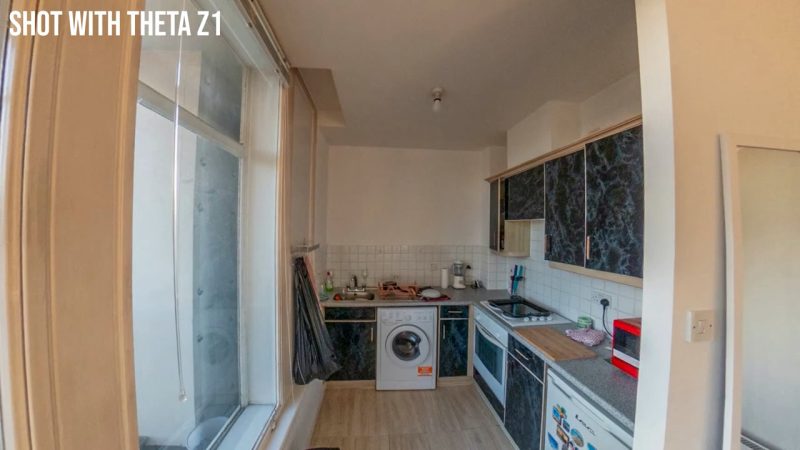
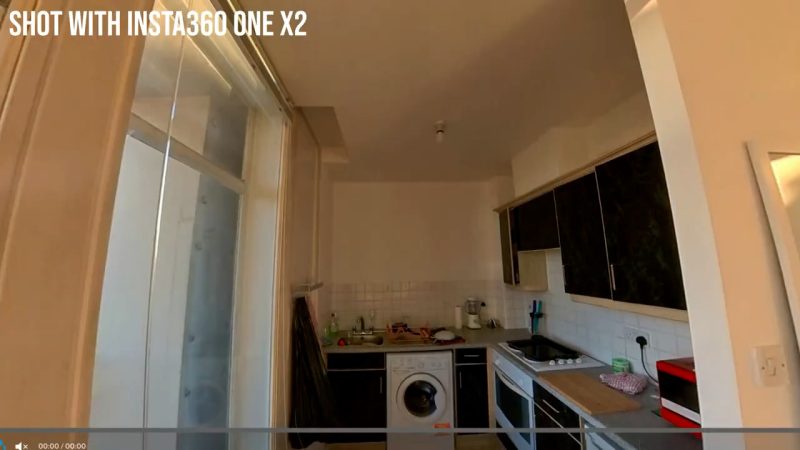
As you can see the Theta Z1 captures significantly more details thanks the larger sensors.
Summary
Having used the One X2 extensively to shoot both photos and videos I can give it praise for it’s compact design, easy of use and wide variety of photo options. You are able to shoot in DNG RAW mode and have full manual control over your photos before you shoot them.
Despite this the One X2 isn’t an ideal camera for high quality virtual tours, however you may be able to use it for smaller tours for lower end clients. If you wanted to shoot for small real estate or small businesses, and you are willing to learn how to edit DNG RAW images, then the One X2 will just about be good enough.
For higher quality VR tours you will need to look at either a DSLR or the Ricoh Theta Z1, both of which are significantly more expensive.


Owner of threesixtycameras.com. Writer, photographer and videographer. You can see my YouTube channel for guides of how to shoot 360 video. I've written for The Times, Digital Photography School and Sunday Express.