

Virtual tours have become a go to tool across real estate, construction, architecture, retail, and countless other industries that need accurate, immersive visual documentation. In 2025, demand is still rising fast, and so is the number of 360 cameras on the market. But if you want to create high quality virtual tours without spending several thousand on a professional system, there are only a handful of consumer level 360 cameras worth considering.
I’ve been using 360 cameras for nearly 10 years and have spent the last 5 years creating virtual tours professionally. I’ve used pretty much every 360 camera on the market and know excactly what to look for when it comes to picking for one virtual tours.
In this guide, I break down the top 360 cameras for virtual tours in 2025, focusing exclusively on all in one 360 cameras under £1,000. These are the cameras most people rely on for quick, efficient and genuinely good looking virtual tours. After months of testing and real world use, four models clearly stand out:
Ricoh Theta X
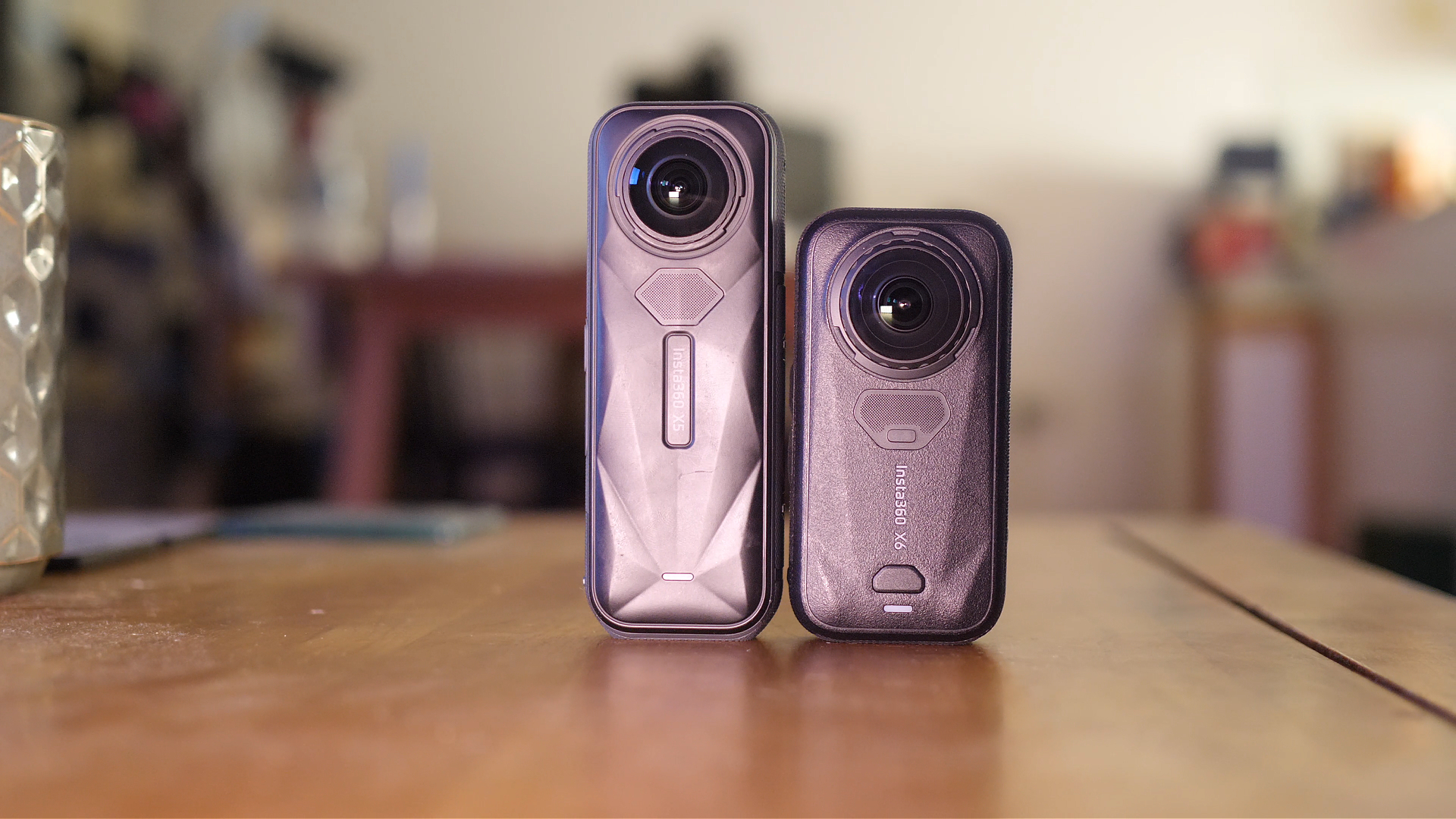
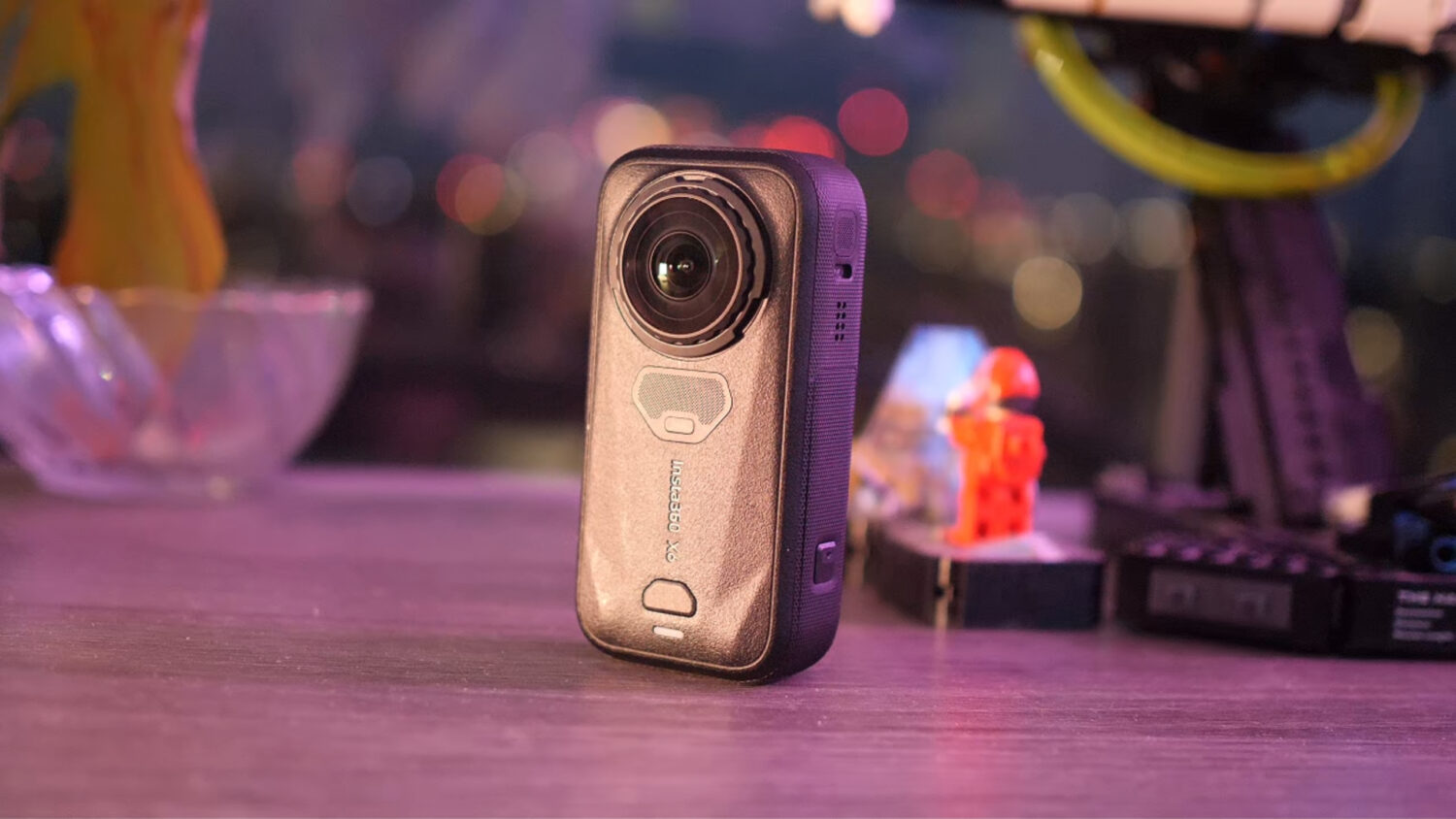
Insta360 X5
- DJI OSMO 360
Kandao Qoocam 3 Ultra
We’ll look at image quality, resolution, HDR performance, workflow speed, ease of use and how each camera handles tough lighting conditions. You’ll also see side-by-side comparisons and learn which camera delivers the best balance of quality and efficiency for virtual tours in 2025.
What Matters Most When Choosing a 360 Camera for Virtual Tours?
Before diving into the cameras, it’s worth quickly recapping what really affects virtual-tour quality.
1. Image Resolution and Clarity
The higher the megapixel count, the more detail you’ll retain when viewers zoom into walls, fixtures, appliances or construction details. Real estate also benefits massively from sharp details and clean textures.
2. Dynamic Range and HDR Quality
Almost every indoor space contains extreme light contrasts, especially around windows. A great virtual tour camera needs strong HDR performance so that:
The interior isn’t muddy or underexposed
The windows aren’t blown out
Colours remain consistent
3. RAW Support and Editing Flexibility
RAW or DNG files allow you to rescue highlights and shadows far better than JPEGs, but they take longer to work with. Many creators prefer a camera that can deliver excellent images without heavy manual editing.
4. Workflow Speed
Whether you shoot 5 tours per month or one per day, speed matters. Your workflow affects your profits, your turnaround time and how efficient you are on site. Ideally, you want:
Fast HDR processing
Simple exporting
Reliable software
Minimal need for extra apps or plugins
5. Reliability
Virtual tours can involve shooting dozens or even hundreds of panoramas. A camera that overheats, crashes or requires awkward workarounds will slow you down massively.
With these factors in mind, let’s get into the four contenders.
Insta360 X5: The Best Overall 360 Camera for Virtual Tours in 2025
The Insta360 X5 is the most refined camera in this lineup. Insta360 has built up a reputation for combining strong hardware with exceptional software, and the X5 is no exception.

Key Specs
72MP photos
1/2-inch sensors (larger than typical consumer 360 cameras)
HDR mode + HDR RAW + AEB (9-shot) modes
PureShot and PureShot HDR (AI-powered processing)
Excellent Insta360 Studio software
Image Quality
The X5 delivers the most balanced and impressive images straight out of the camera. Colours look bold without being oversaturated, highlights are preserved, and shadows retain strong detail.
Importantly, the X5 blows the Theta X away in dynamic range, especially around bright windows. You can still see details outdoors while maintaining clean interior exposure.
HDR Modes Explained
The X5 includes several different HDR and RAW options:
HDR Photo Mode
HDR RAW
PureShot HDR
AEB RAW (up to 9 exposures)
For virtual tours, the standout is PureShot HDR, which applies smart AI-based processing in Insta360 Studio to automatically improve dynamic range, noise levels and sharpness. The result is high-quality, consistent images without the need for complex editing. In my examples the PureShot image came out looking the best in my opinion.
AEB RAW requires you to process your images and edit them in a program like Lightroom. By doing this you can get the absolute best quality possible, but it requires extra time and some skill.
Workflow
This is where the X5 becomes a real winner. To process your files:
Plug the camera into your laptop
Open Insta360 Studio
Drag your photos in
Export
That’s it.
The program automatically applies colour correction, sharpening, noise reduction and HDR balancing if you shot in PureShot mode. It’s incredibly simple and reliable. No crashes, no lag, no extra software required.
Verdict
If you want the best combination of image quality, dynamic range, workflow speed and price, the Insta360 X5 is the top 360 camera for virtual tours in 2025.

Ricoh Theta X: The Industry Workhorse
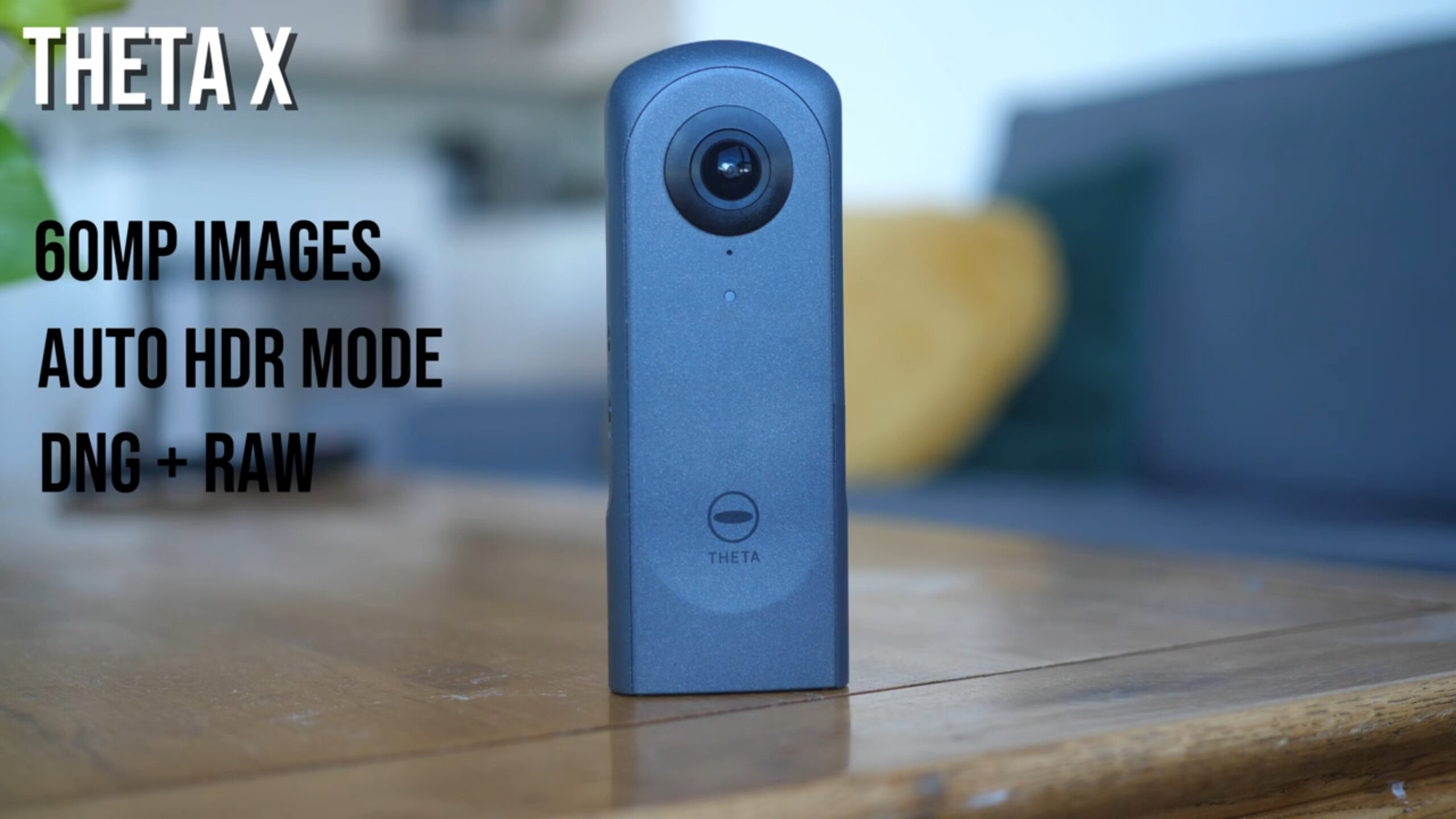
The Ricoh Theta X is the oldest camera in this comparison, yet it remains one of the most widely used 360 cameras in construction and property documentation. Ricoh designed the Theta X primarily for photography rather than video, which is exactly why it works so well for virtual tours.
Key Specs
60MP still photos
In-camera HDR (including Moving HDR)
DNG RAW support
Touchscreen interface
Lightweight and highly portable
The Theta X shoots 60-megapixel photos, which is the lowest resolution of the three cameras in this comparison. However, Ricoh’s colour science and built-in HDR processing still hold up surprisingly well.
Image Quality
In challenging environments with bright windows and darker interiors, the Theta X produces decent results, although the images often appear slightly flat or bland compared to newer competitors. Its automatic HDR mode is quick, but it doesn’t always capture the full dynamic range of a scene.
Ricoh added DNG RAW shooting via a firmware update, giving you much more editing flexibility. If you know Lightroom or Camera Raw, you can squeeze far more detail and contrast out of this camera than before.
Best For
Construction documentation
Quick capture with zero post-processing
Anyone needing a fast, simple workflow
Workflow and Ease of Use
This is where the Theta X shines. Its single-shot HDR mode means you can capture a panorama in seconds, and the processing happens entirely inside the camera. For many professionals, that sheer speed outweighs its lower image quality.
Compared to other workflows, the Theta X requires a few additional programs and sometimes feels a little dated, but overall it remains extremely efficient.
Verdict
The Ricoh Theta X is no longer the highest-quality option, but it’s still the fastest all-rounder. If you’re shooting dozens of panoramas per day and need a camera that “just works”, it remains a reliable choice.
See Also: Best FREE Virtual Tour Software Options
DJI Osmo 360: The New High-Resolution Challenger
The DJI Osmo 360 is the newest 360 camera on the market in 2025 and marks DJI’s first serious push into all-in-one 360 photography. While DJI is best known for drones and action cameras, the Osmo 360 arrives with some impressive hardware that makes it a genuine contender for virtual tours.
Key Specs
120MP 360 photos (highest in this comparison)
Dual 1-inch-class sensors
In-camera HDR photo mode
DNG RAW support
Excellent build quality and stabilisation
On paper, the Osmo 360 looks like the strongest option here, especially if you prioritise maximum resolution and detail. Its 120 megapixel photos allow you to zoom further than any of the other consumer level models, which is ideal for documentation heavy virtual tours such as construction, architecture or premium real estate.
Image Quality
The Osmo 360 captures extremely sharp images, and the larger sensors help retain detail both indoors and outdoors. Dynamic range is good, although DJI’s automatic HDR isn’t quite as polished as Insta360’s PureShot processing. Highlights sometimes clip around bright windows, though not as severely as on the Kandao camera.
Colours tend to look natural and slightly more neutral than the X5, which some people prefer. RAW files give you a lot of flexibility if you want to edit manually, and when processed well, the Osmo 360 produces some of the cleanest 360 stills available under £1,000.
Workflow
The workflow sits somewhere between the X5 and the Kandao:
Easier and more stable than Kandao’s software
Not quite as seamless or automated as Insta360 Studio
Larger 120MP files mean longer export times
More demanding on your laptop and storage
If your virtual-tour business depends on speed and high-volume output, this is something to factor in. The Osmo 360 is capable of great results, but the bigger file sizes require more patience.
Strengths
The sharpest and most detailed photos of all the cameras in this comparison
Strong low-light performance thanks to larger sensors
Premium build quality and reliable shooting experience
A good option for professionals who need maximum image fidelity
Limitations
Workflow isn’t as fast or as beginner-friendly as the Insta360 X5
HDR performance is good but not the best here
File sizes are huge, which slows down editing and exporting
Still a new ecosystem, so software is improving but not as refined as Insta360’s
Verdict
The DJI Osmo 360 is a brilliant option if your priority is resolution and detail above all else. For high-end real estate or construction capture where clients expect maximum clarity, the Osmo 360 delivers. However, for most people creating frequent virtual tours, the Insta360 X5 still offers a better overall balance of quality and efficiency.
Kandao Qoocam 3 Ultra: The High-Resolution Specialist

The Qoocam 3 Ultra (often called the K Cam 3 Ultra) offers the highest photo resolution of the three cameras: a massive 96MP. On paper, that makes it an obvious choice for virtual tours requiring zoom-level detail.
Key Specs
96MP photos
1-inch sensors (largest in this comparison)
RAW support and in-camera HDR processing
Variable aperture
Image Quality
The resolution is impressive and genuinely useful when zooming into details. If you’re documenting:
Pipework
Wiring
Fine architectural details
Close-range construction elements
…that extra sharpness matters.
However, the Qoocam struggles in one crucial area: extreme dynamic range. In spaces with bright windows or high-contrast lighting, it often produces blown-out highlights and flat, washed-out colour.
Noise levels are also higher than expected, even with its larger sensors. This suggests that Kandao’s processing pipeline still isn’t as polished as Insta360’s.
RAW Editing
This camera has enormous potential if you know how to edit RAW images. With careful processing, you can dramatically improve colour, dynamic range and noise. But this takes time, skill and patience.
For users who want quick turnaround, Kandao’s auto-HDR mode isn’t strong enough to compete with the X5.
Workflow
Honestly? It’s the slowest and least stable workflow of the three.
Kandao’s software:
Crashes frequently
Lags during previewing
Requires multiple steps to export
Is noticeably slower than Insta360 Studio
If speed matters, this is a problem.
Verdict
The Qoocam 3 Ultra has the highest resolution and the best hardware on paper, but the processing workflow and HDR performance hold it back. It’s a good choice for detail-heavy documentation if you’re comfortable editing RAW files. Otherwise, the X5 easily outperforms it.
Side-by-Side Comparison: Which Camera Looks Best?
After testing all three cameras in the same location with windows, shadows and mixed lighting, the overall ranking in terms of out-of-camera quality is:
1. Insta360 X5 (72MP PureShot HDR)
Best dynamic range
Best colour
Best balance of detail and noise
Minimal editing required
2. Kandao Qoocam 3 Ultra (96MP Auto HDR / RAW)
Highest resolution
Good detail when zoomed in
Colour and HDR weaker
RAW files can look excellent, but only with manual editing
3. Ricoh Theta X (60MP Auto HDR)
Good enough for fast, functional tours
HDR is quick but not as refined
Colours look slightly dull
Still very popular due to its workflow speed
What About High-End Cameras?
To put everything in perspective, it’s worth mentioning the Galois 3D LiDAR camera, which costs around £4,000–£5,000. This camera:
Uses a Micro Four Thirds lens
Shoots 135MP images
Features built-in LiDAR scanning
Generates automatic dollhouse models
Processes HDR in-camera
It’s designed for serious, enterprise-level virtual tours.

Compared side-by-side, there’s no competition: the Galois produces significantly sharper, cleaner and more dynamic images. But unless you’re creating commercial tours every day or offering 3D modelling services, it’s overkill.
For those just starting out in the Virtual Tour indistry the sub-£1,000 range is more than enough, and that’s where the X5 dominates.
Final Verdict: The Best 360 Camera for Virtual Tours in 2025
After comparing all three consumer-level options, here’s the simplified conclusion:
✅ Best Overall: Insta360 X5
The perfect balance of quality, workflow, stability and price.
✅ Best for Fast, No-Editing Workflows: Ricoh Theta X
Great for construction teams that prioritise speed over aesthetics.
✅ Best for RAW Editing Experts: Kandao Qoocam 3 Ultra
Huge potential, but only if you’re willing to put in the extra work.
Which One Should You Buy?
If you want:
Professional-looking tours
Strong HDR
Clean colours
Efficient workflow
Consistent results
…go with the Insta360 X5. It is the top 360 camera for virtual tours in 2025 and the easiest to recommend for almost every use case.
If you’re shooting dozens of panoramas per day and need instant results with no editing, the Theta X is still a reliable old-school workhorse.
And if you love post-production and want maximum control, the Qoocam 3 Ultra gives you more resolution than anything else in this price bracket.