

If you’ve been in the virtual-tour world for more than five minutes, you’ve probably realised one frustrating truth: there are hundreds of virtual tour platforms… and almost none of them are actually free. Sure, tons of platforms claim to have free plans, but in reality you’re either stuck with a 14-day free trial, watermarks, heavy feature restrictions, or limits so tiny (three tours, one project, 20MB storage… you get the idea) that they’re basically useless.
For beginners, hobbyists, or anyone creating tours occasionally, paying £20–£60 a month for software you might use once every two months makes zero sense.
I’ve tested a lot of them over the years for my YouTube channel and clients and there are actually some deent option out there. If you wan to go professional with your Virtual Tours then a free option won’t have everything you need – but it’s a good place to start.
Below I’ve broken down the best free virtual tour software options available right now, including the one platform I think every beginner should start with before spending a single penny on paid subscriptions.
✅ Panoee (The Best Free Virtual Tour Software Right Now)
I’ll be honest: Panoee surprised me. I’d heard the name here and there, but it’s very much a hidden gem. After spending several hours building tours inside it, I can comfortably say it’s the best free virtual tour platform available today.
Why Panoee Stands Out
Most “free” platforms give you:
1 tour
20MB upload limit
No publishing options
Forced watermark
Panoee’s free plan gives you:
✅ Unlimited virtual tours
✅ 3GB of storage (about 150 properly-compressed 360 photos)
✅ Full tour publishing
✅ Custom subdomain
✅ Hotspots
✅ Customisable menus, icons, transitions
✅ Media embeds
✅ Info boxes, text, images
✅ Automatic saving
✅ Interface customisation
That is a lot better than anything else in the free tier space.
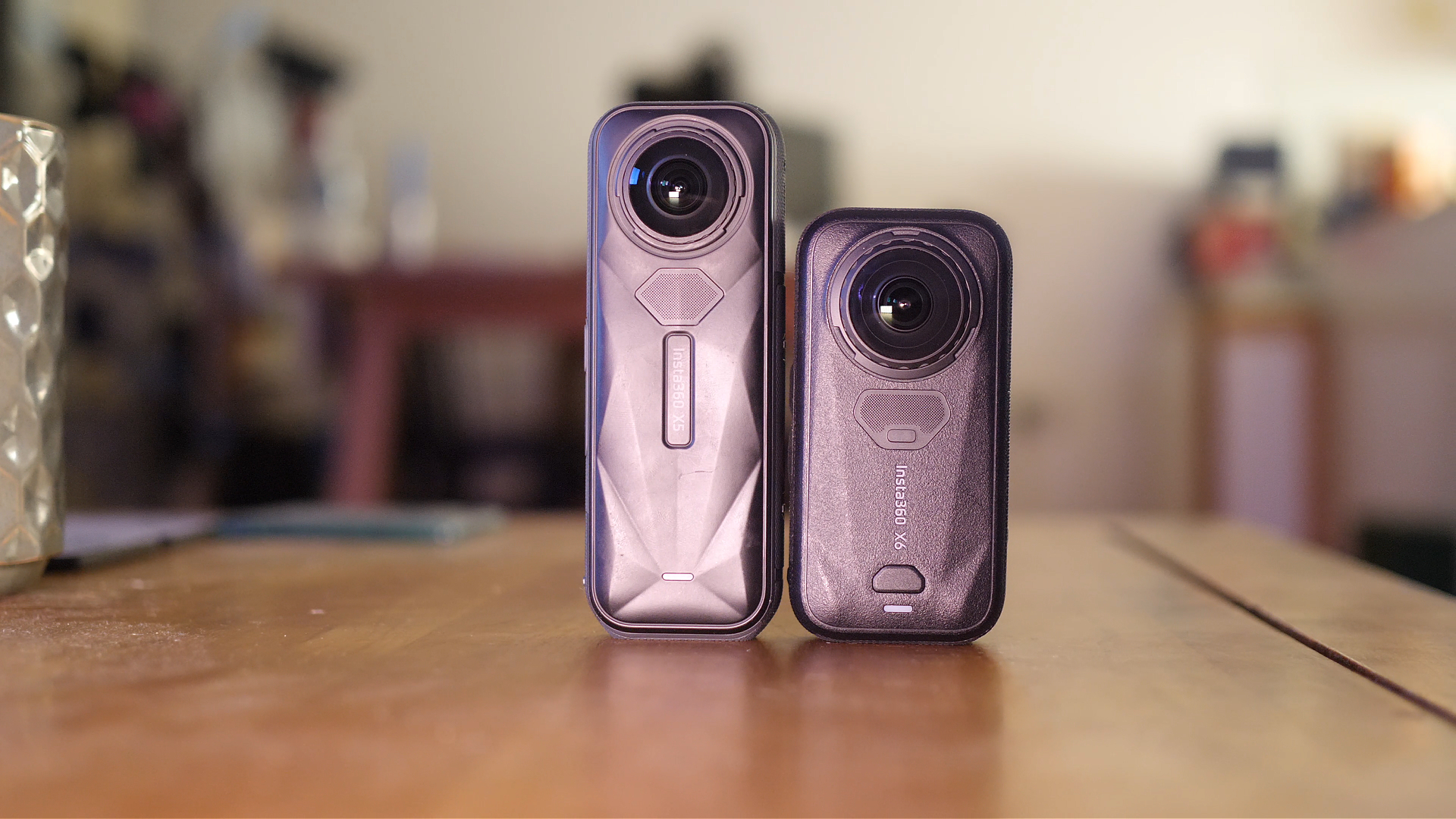
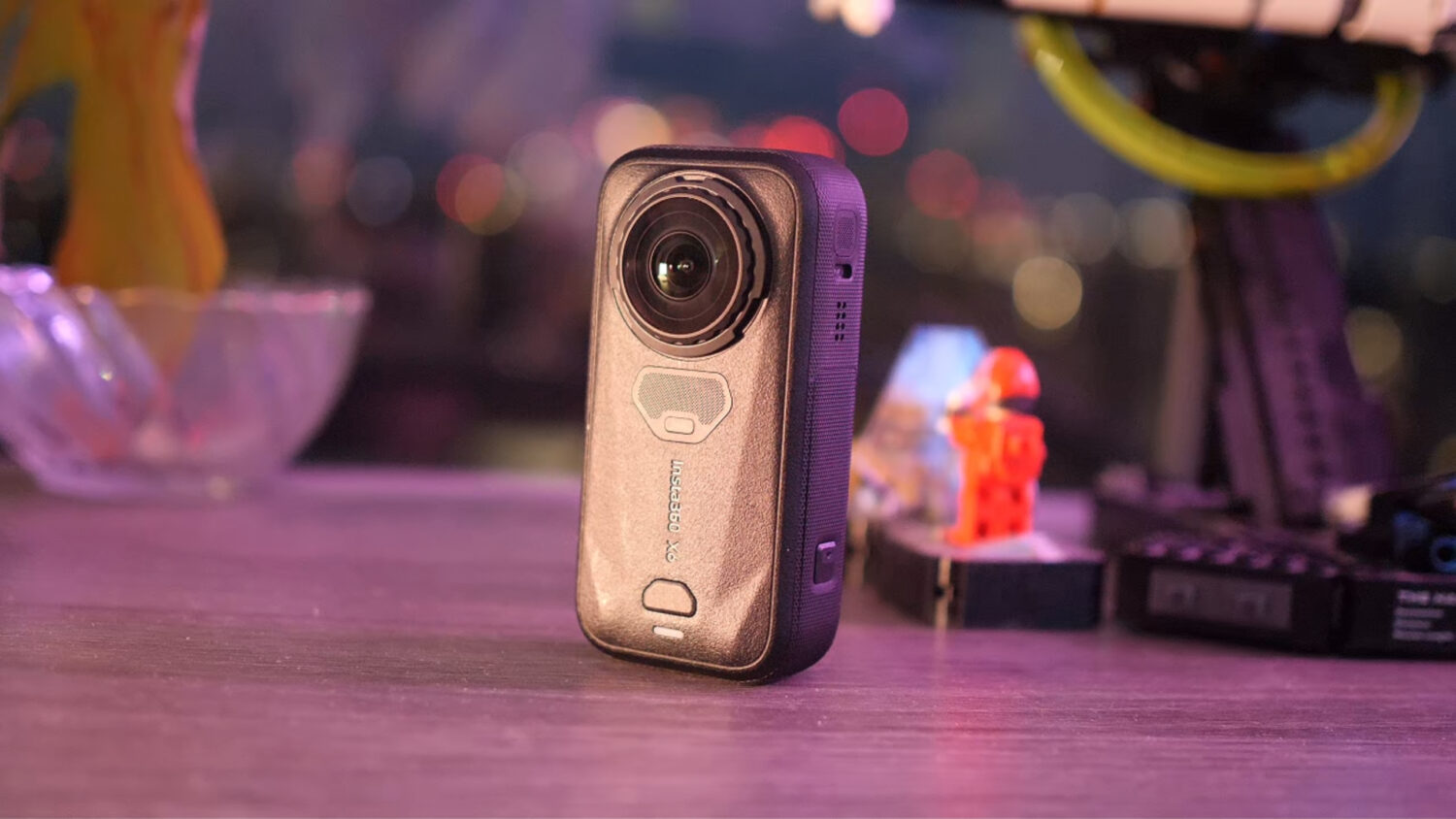
And 3GB might not sound like much, but remember: if you’re using an Insta360 X5 or X4 and exporting your photos efficiently, you can get around 150 photos inside that limit. That’s more than enough to make multiple client-ready tours without spending a penny.
My Experience Using Panoee
I built a full mini-tour using just 5 images from my Insta360 X5, and I was genuinely impressed by how smooth the platform feels. The interface looks similar to the more expensive intermediate platforms like Kuula or CloudPano with a big central viewport, menus on each side, hotspots at the bottom.
What stood out to me most:
Hotspot creation is extremely intuitive (drag and drop)
You can fully customise hotspot icons, sizes, markers, and transitions.
There’s a surprisingly good “visual map” of your project (rare for free tools).
The zoom limits are easy to adjust, which is key for keeping tours feeling premium.
It auto-saves constantly.
The publishing process is easy, and you get a free subdomain.
I also love that you can customise your nadir (great for branding) and even remove the “Created with Panoee” logo if you want a clean presentation.
What You Can’t Do for Free
To be fair, the platform does lock certain features behind paid plans:
Dollhouse view
Google Maps integration
Floor plans
Business-level design themes
Custom domain
But those are more “pro tier” features anyway. If you’re just starting out, or even doing occasional paid tours, you won’t need them immediately.
Storage Upgrades Are Shockingly Cheap
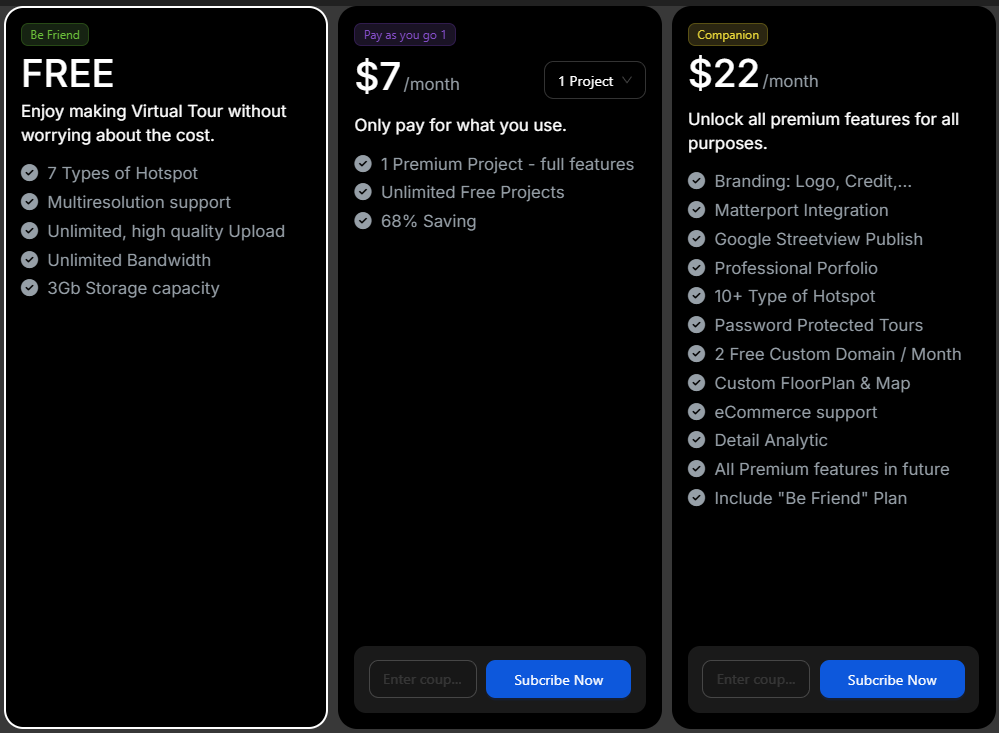
If you need more storage, you don’t have to commit to a $50/month “Pro Plan.” You can literally buy:
Extra storage for $0.15 per GB per month
Platforms like Matterport and CloudPano charge far, far more for storage and hosting. Panoee’s pricing model is honestly refreshing.
Who Panoee Is Best For
Beginners
First-time virtual tour creators
Anyone testing the waters without committing to monthly fees
Creators who only shoot tours occasionally
People building a portfolio to start getting clients
Anyone who wants a genuinely free platform that still produces professional results
If I was starting my virtual tour business again today, this is 100% the platform I’d begin with.
Create a free Panoee account here
✅ Kuula (Best Free Option for Visual Aesthetics… With Limits)
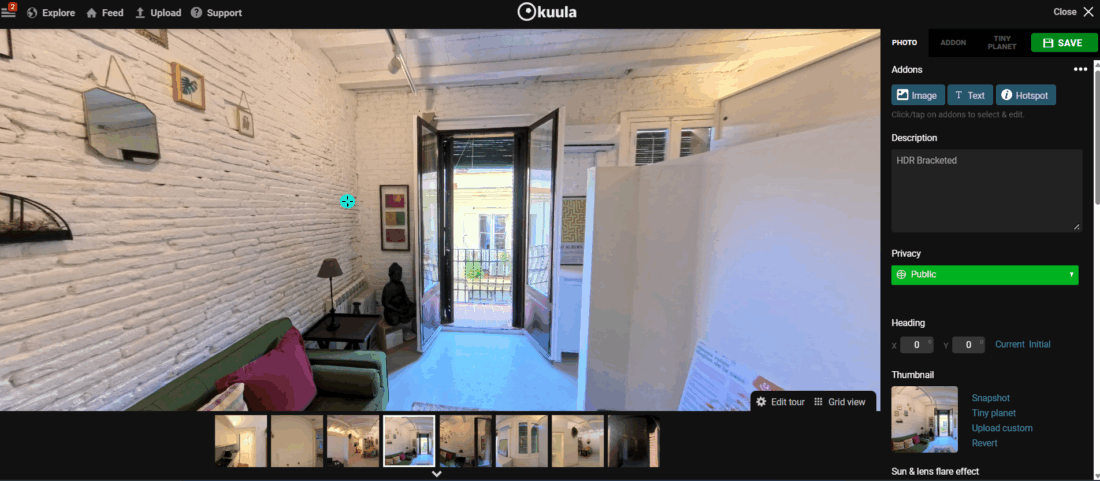
Kuula has been around for a long time, and it’s one of the most polished, clean-looking virtual tour platforms. I’ve used it many times over the years, mostly because the UI is gorgeous and it publishes lightweight, smooth tours that work well on mobile. It’s also the easiest of the platforms to learn.
Free Tier Strengths
Clean interface
Unlimited uploads (compressed)
Quick to build
Beautiful presentation
Embeds available
But Here’s the Catch
Kuula’s free version:
Adds a watermark
Limits virtual tour linking
Removes branding options
Restricts functionality
Removes commercial usage rights
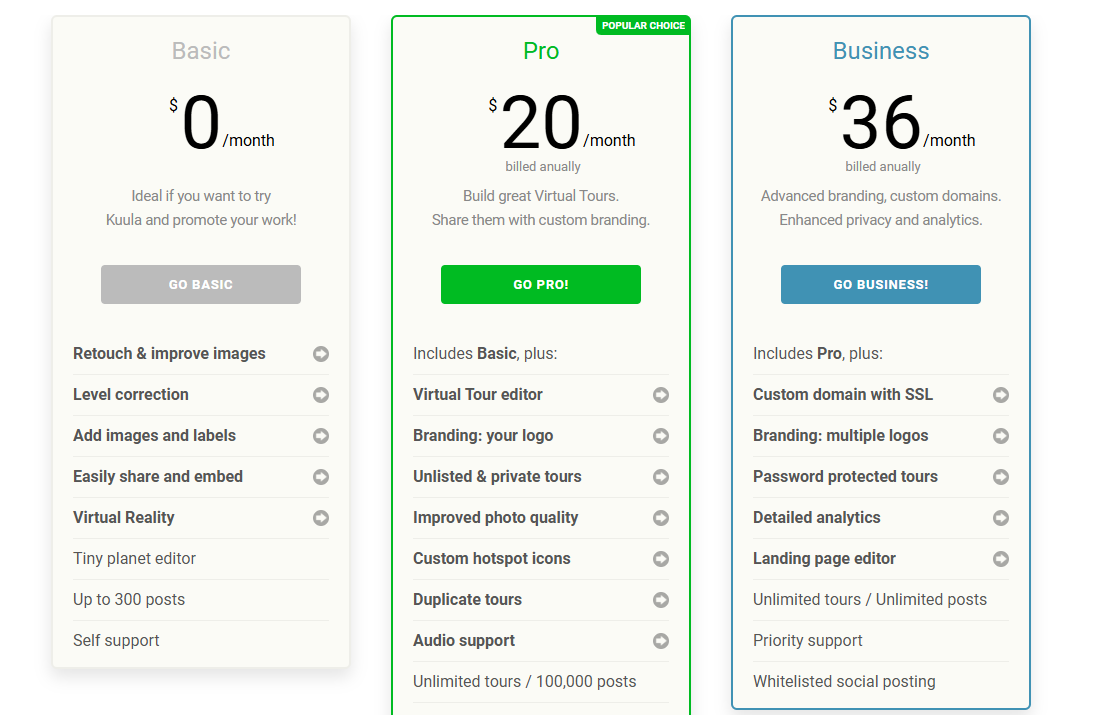
You can use Kuula for practice, but you absolutely cannot deliver tours to clients on the free version – unless you want your work plastered with watermarks.
It’s better than nothing and if you think you’ll quickly move to a paid option then it’s among the best, for free options alone it’s limited.
Create a free Kuula account here
✅ TeleportMe (A Decent Free Starter, But Very Basic)
TeleportMe is one of the oldest 360 software platforms around. It’s fine if you want something extremely simple and fast for uploading individual panoramas.
Free Tier Pros
Very quick to upload
Good for single-shot tours
Embedding is possible
Community-oriented
Free Tier Cons
Very limited linking and navigation
No advanced hotspot options
No design customisation
Branding stays visible
Not suitable for paid commercial work
TeleportMe is okay if you just want single-panorama sharing or experimenting, but it’s not something I’d recommend for anyone trying to build paid tours or a real portfolio.
Create a free TeleportMe account here
✅ Google Street View (Useful, But No Longer a Real Free Platform)
A few years ago, Google Street View used to be a legitimate “free virtual tour” option. You could upload 360 photos directly to Street View and link them inside Google Maps.
But Google discontinued the Street View app and severely limited custom upload options. It’s still possible through third-party apps, but it’s not practical anymore.
My Opinion
Street View is only useful if:
The client wants their business on Google Maps
You’re comfortable using paid apps to upload
You don’t need custom design or navigation
For everything else, it’s too restrictive to be considered proper virtual tour software anymore.
✅ Why Panoee Is the Only Truly Free Virtual Tour Platform Worth Using
After testing and re-testing all the major free options, the conclusion is clear: If you’re trying to get started without paying monthly fees, Panoee is the perfect starting point. You can host at least half a dozen professional VR tours without having to pay anything. You only need to upgrade once you’re consistently shooting paid tours, and that is exactly how it should be.
If you’re looking for the best 360 camera to start your virtual tour business with then you need to read this guide.