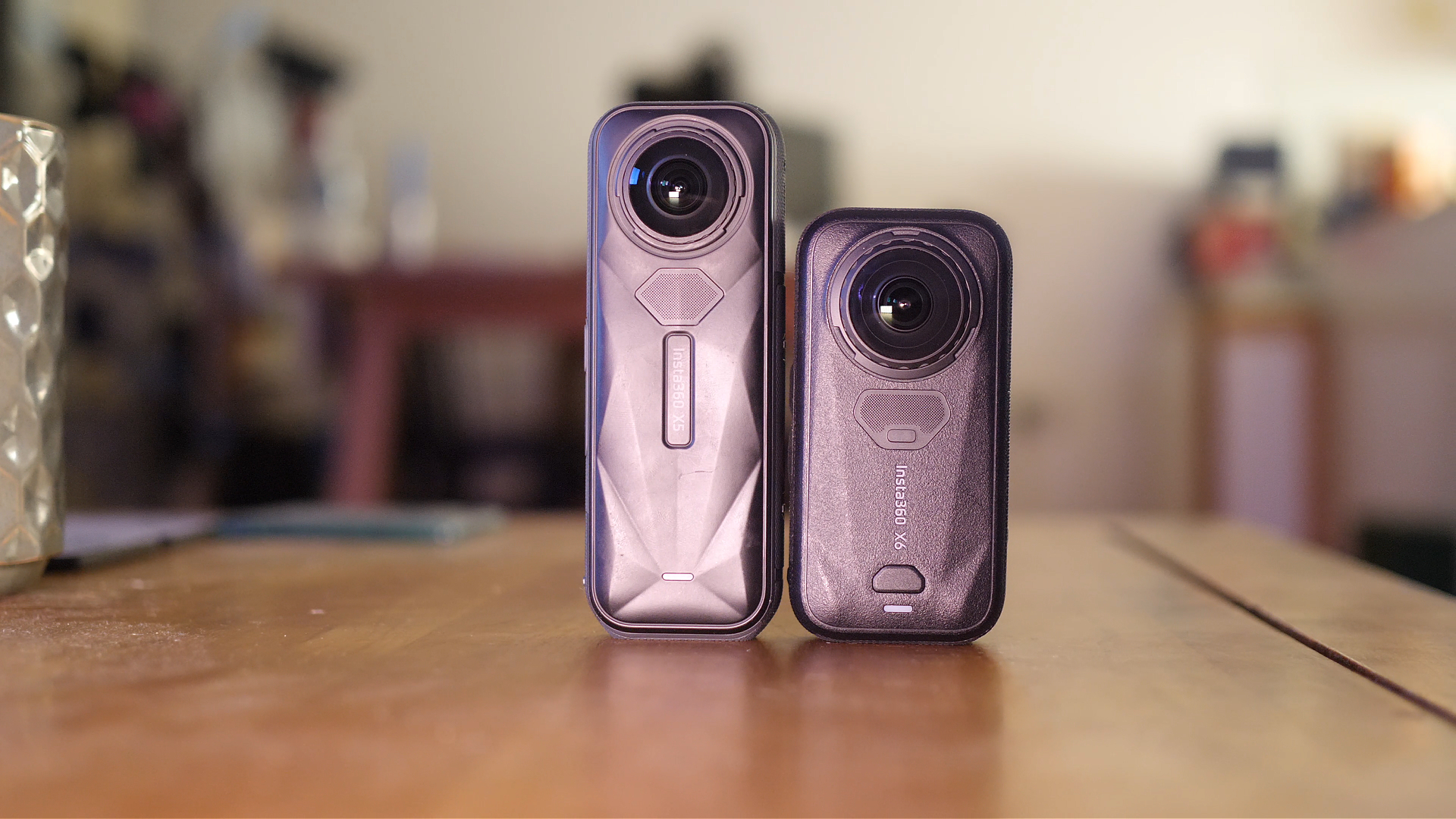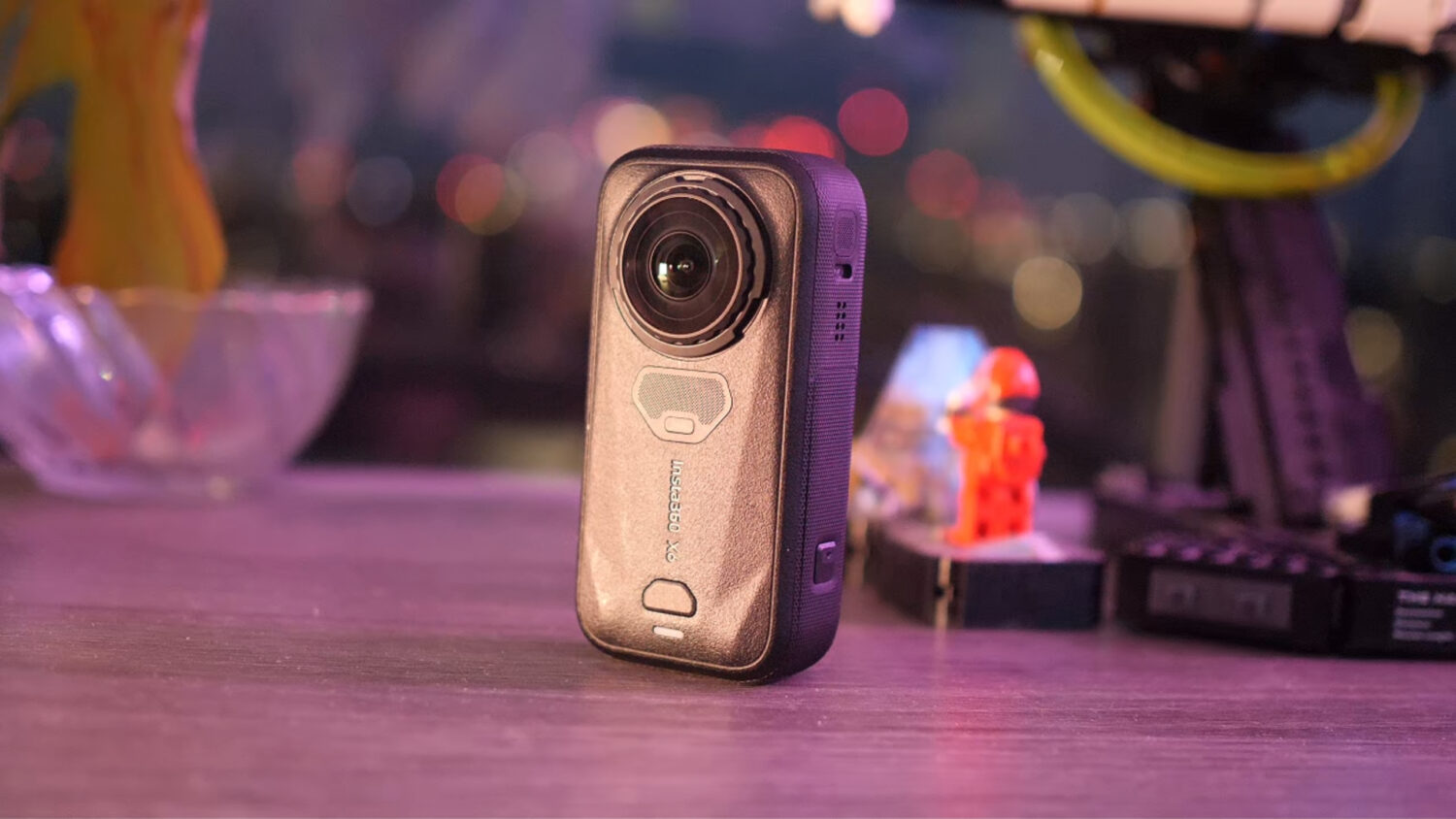
Insta360 Go 3 vs Insta360 X3: What’s The Difference?


So you’re looking to buy an Insta360 camera but not sure which one is best for you? The Go 3 and X3 are Insta360’s flagship action cameras but they are pretty divergent.
The Insta360 Go 3 is a tiny action camera designed to mount onto pretty much anything and go places that no other camera can go. The Insta360 X3 is a dual lens 360 camera which can create unique effects that no other type of camera can.

So which is the best option? Well that entirely depends on what you want to use your camera for. But don’t worry, I am going to break down what each of these camera is good at, the kinds of videos you can get with them and show direct video quality comparisons.
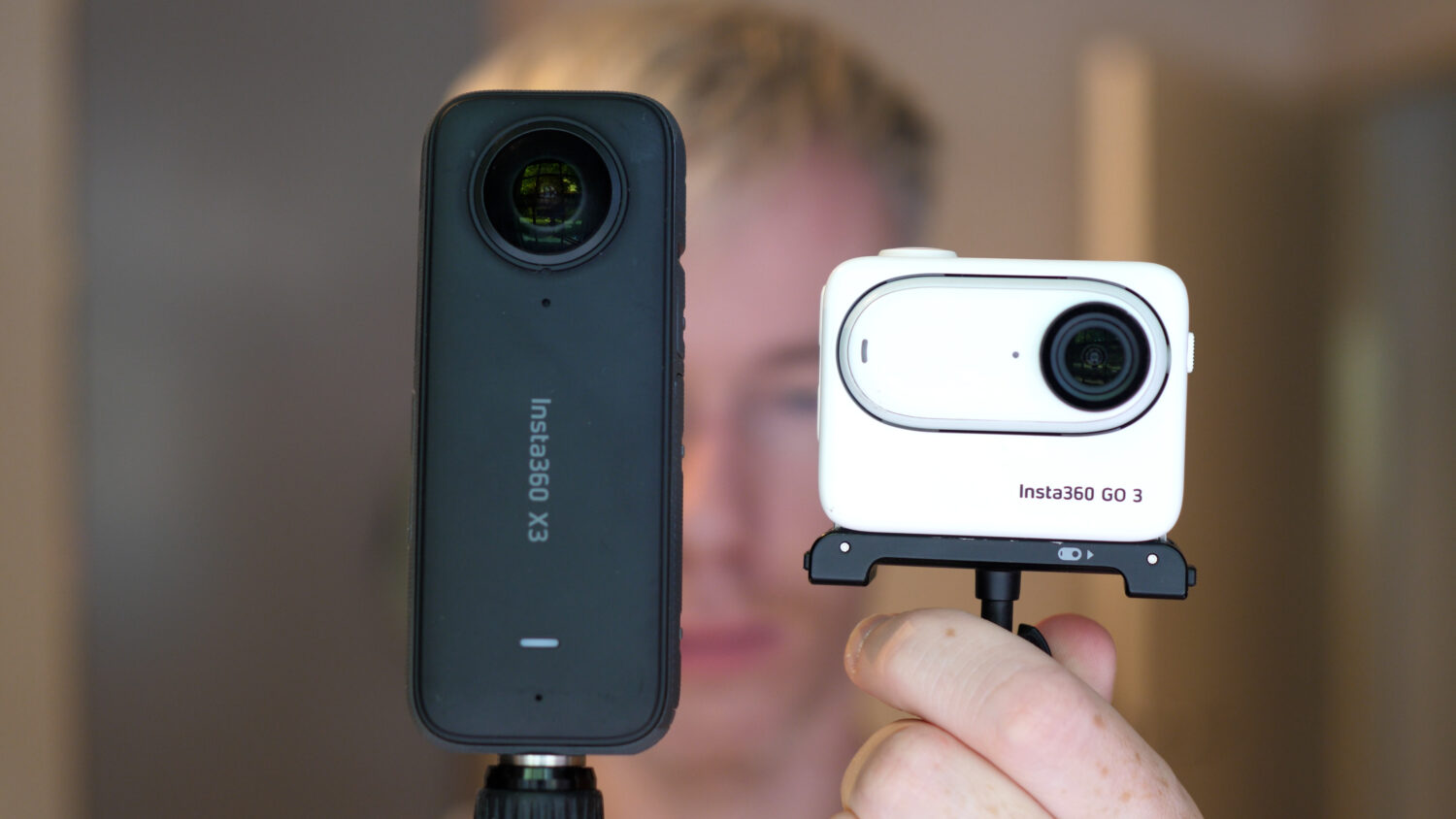
I’ve been using both of these cameras since they were released so I have a pretty good idea of what I’m talking about; I bet by the end of this post you’ll know which is the best option for you.
Insta360 Go 3 vs Insta360 X3: Specs Comparison
[wpsm_comparison_table id=”111″ class=””]
Camera Design
It doesn’t take a genius to notice that these are two very different cameras in terms of design, size and well, pretty much everything.
Let’s start by looking at the Insta360 Go 3. The Go 3 comes in two parts; the camera itself which is a tiny pill shaped device with a single lens and one physical button on its front.
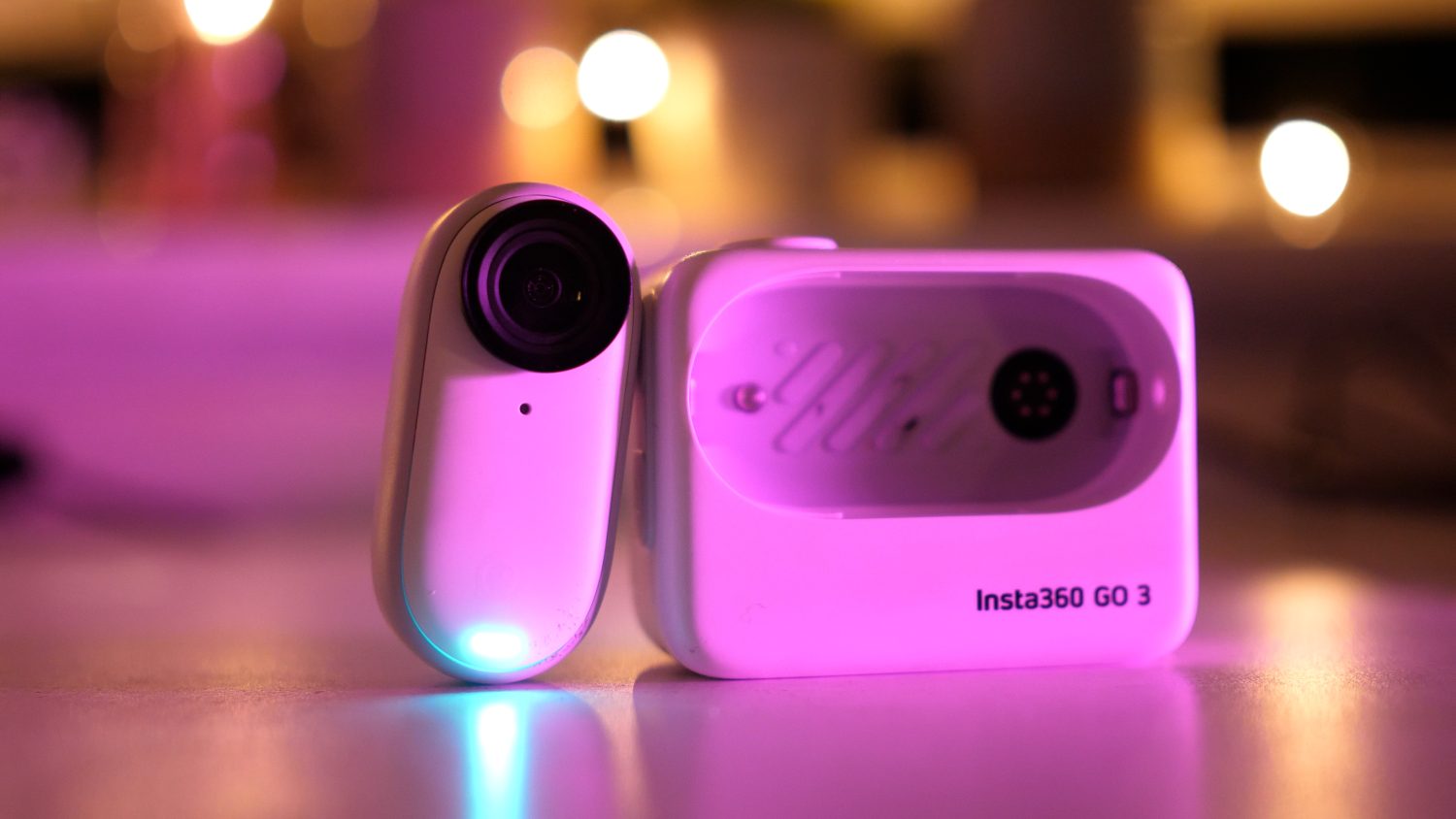
The rear features a magnet which allows the camera to attach to various mounts as well as any other magnetic object.
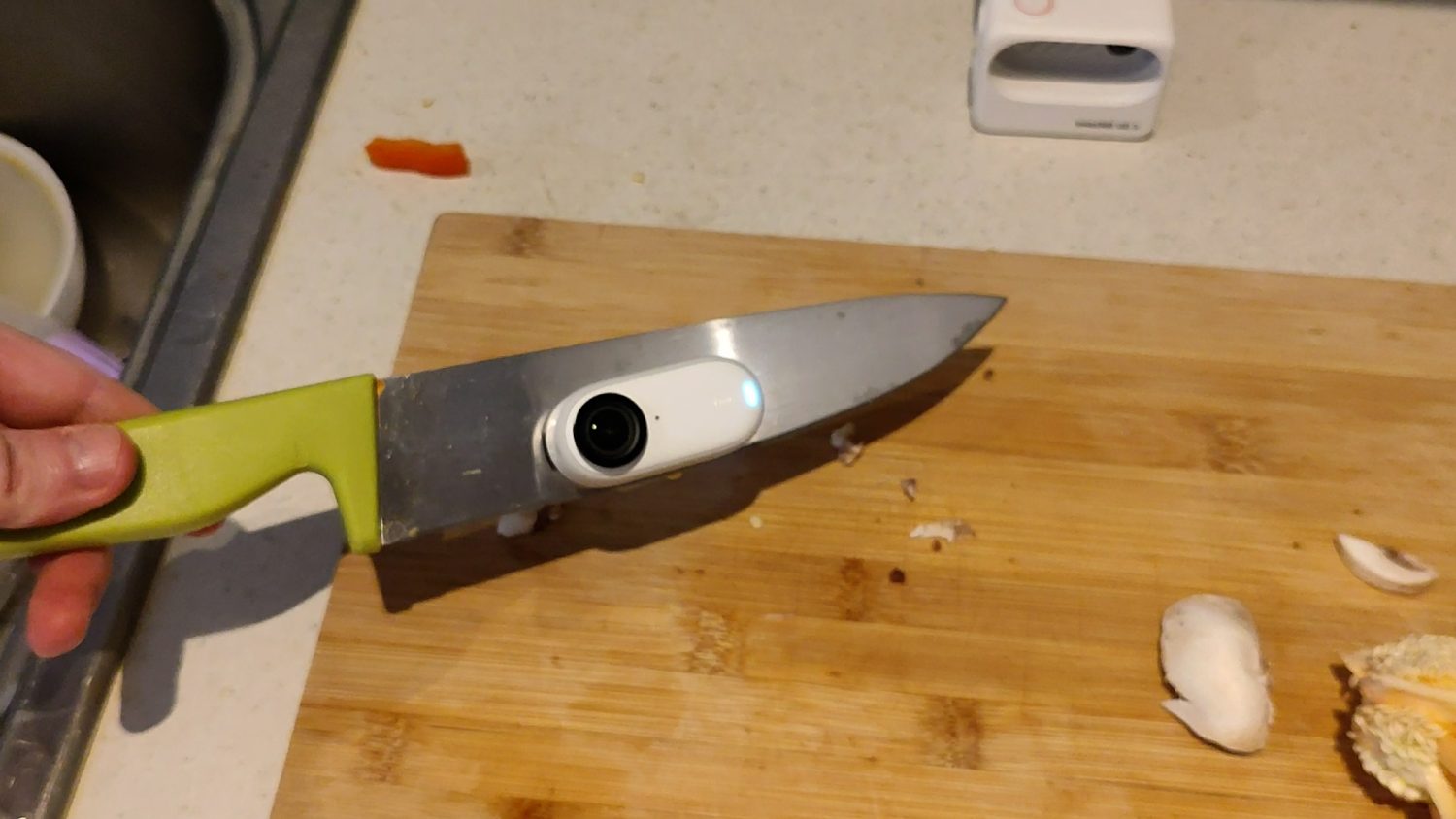
The next part is the larger dock which the Go 3 magnetically attached to. The dock allows you to control the camera, view files, change settings and use the camera like a larger action camera. Note that the dock connects to the Go 3 wirelessly so you can also use it to control the camera while it’s out of the dock.
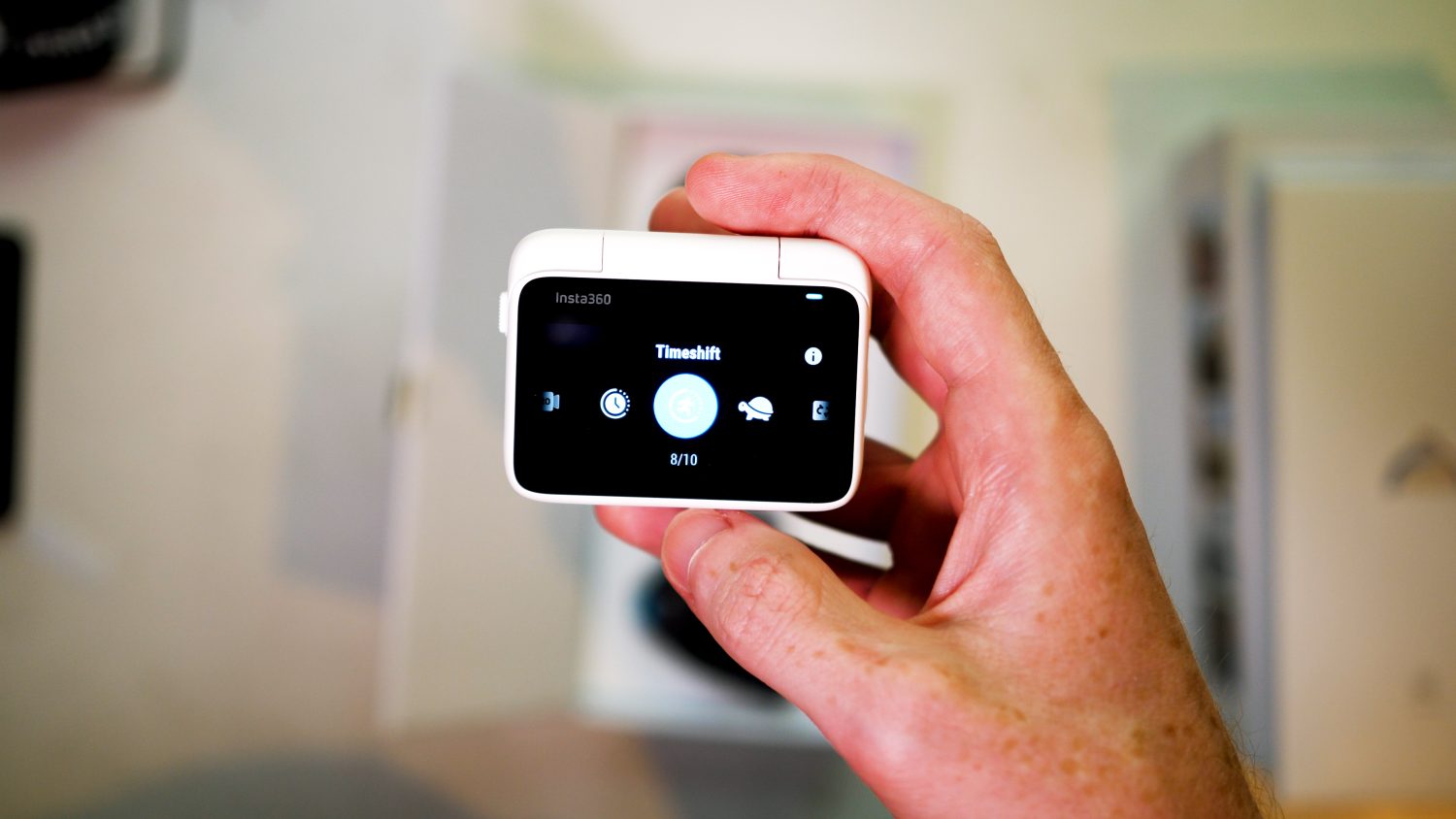
The dock also provides extra battery power; you can charge the Go 3 three times over if the dock is fully charged.
The obvious advantage of the Go 3 design is the tiny size and magnetic mount, meaning you can use it in places that other camera could never go. The camera coms with various mounts in the box that make it easy to shoot POV shots or attach your camera to non-magnetic objects.

In comparison the Insta360 X3 is much larger and features two lenses which allow it to shoot 360 video. You’ll find a large touch screen for controlling the camera and a few physical buttons.
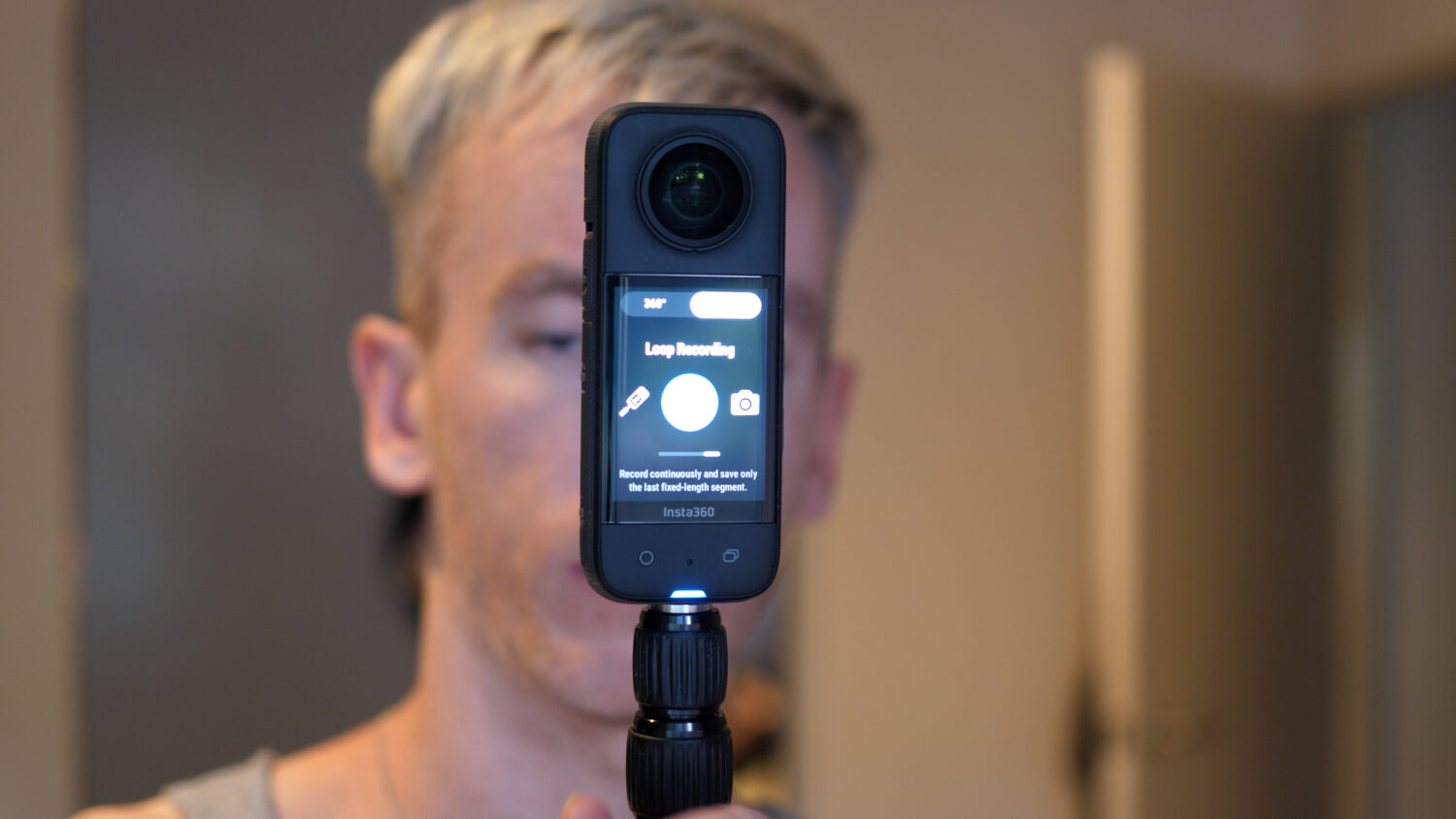
The X3 is designed to make use of it’s 360 shooting capabilities. The bottom on the camera features a standard mount which allows you to attach an “invisible selfie stick” which allows you to create some very unique shots. More on that later.

The X3 is more vulnerable than the Go 3 due to the large fish eye lenses but is otherwise fairly rugged. Both cameras are also waterproof without an extra case, however the X3 has had some issues with water resistance so it might be worth not risking it.
Video Comparison
You are going to using either of these cameras primarily for video so that’s where I’ve focussed most of this comparison. Let’s first take a look at the different types of video these cameras can shoot.
Video Modes
The Go 3 features a variety of video modes but the two you’ll use the most are standard video mode and FreeFrame.
The standard video mode allows you to shoot 2.7K quality video, the highest this camera is capable of, however this is capped at 40MBPS. You will also not be able to apply the best stabilization options.
FreeFrame mode shoots at a slightly lower resolution but at a higher bit-rate of 80MBPS This mode also includes the more advanced stabilization options (you’ll need to process your videos using the Insta360 Studio before this is applied).
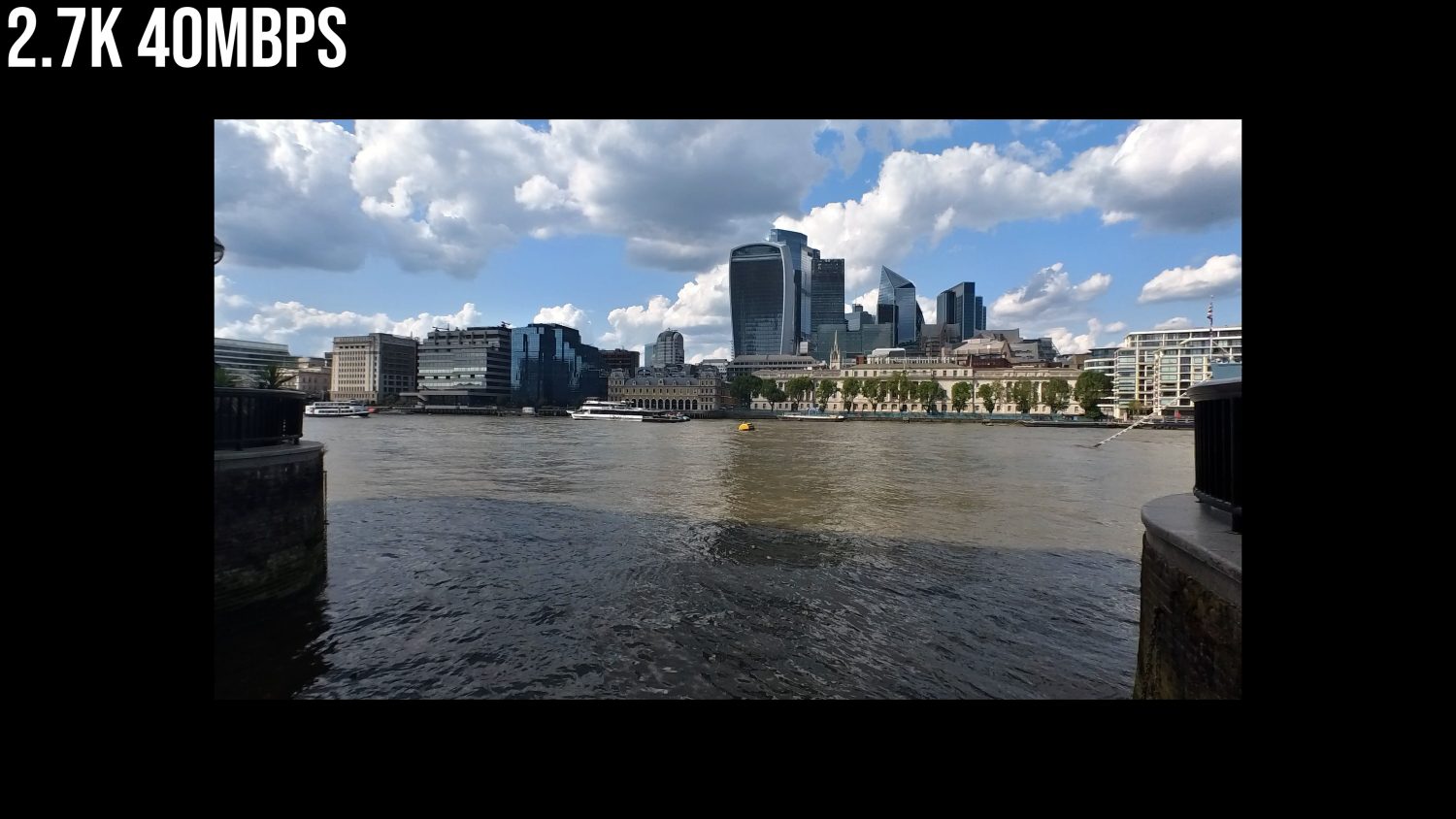
You’ll also find timelapse, timeshift, loop recording and pre-recording modes in the Go 3.
The Insta360 X3 has more shooting modes and the ability to shoot both 360 video using both lenses, and “normal” video using one the lenses.
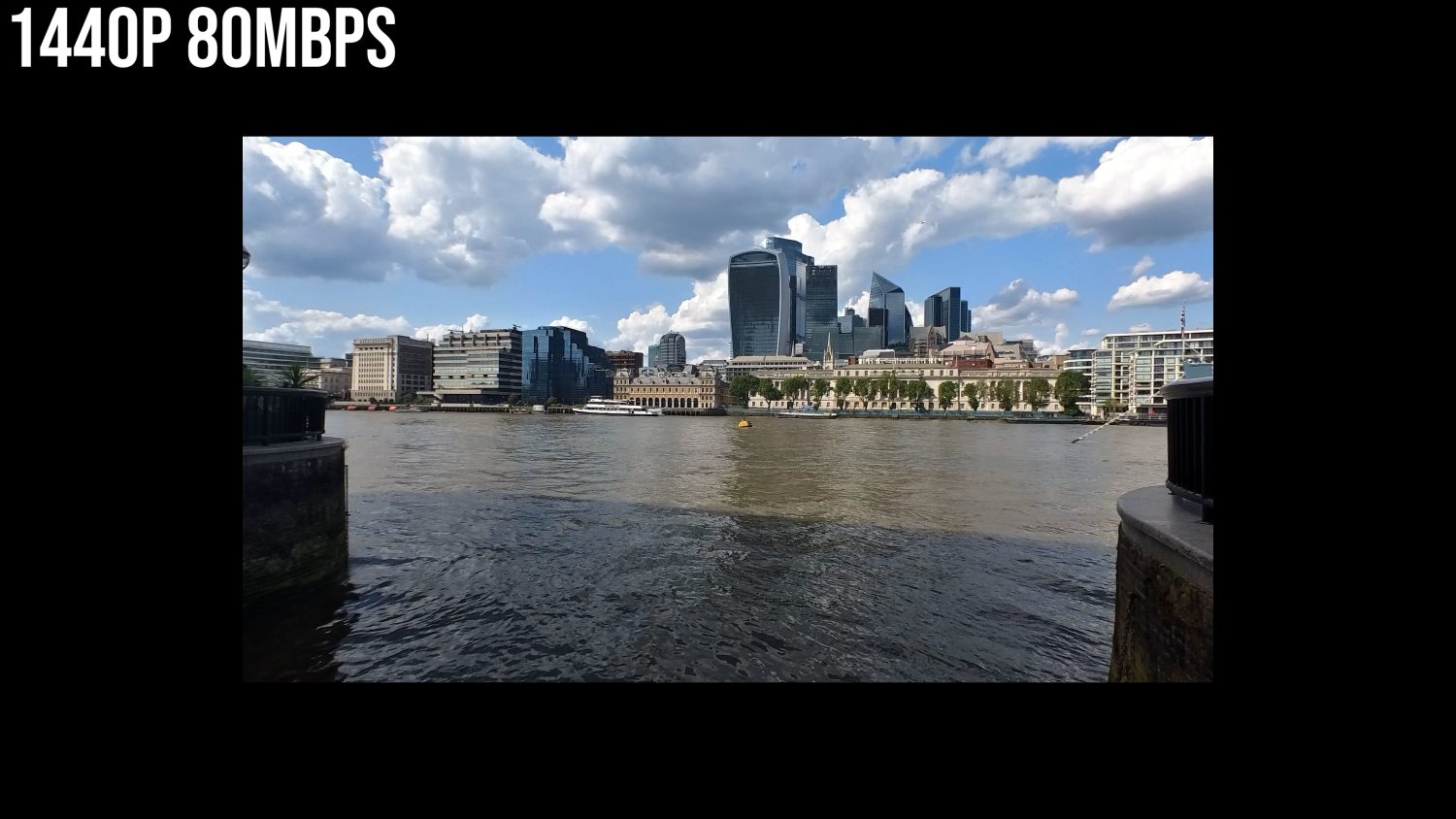
360 video is captures in 5.7K, however when you “reframe” your video in the editing process it end up being around 1440p. If you want to create VR video then the 5.7K resolution remains the same.
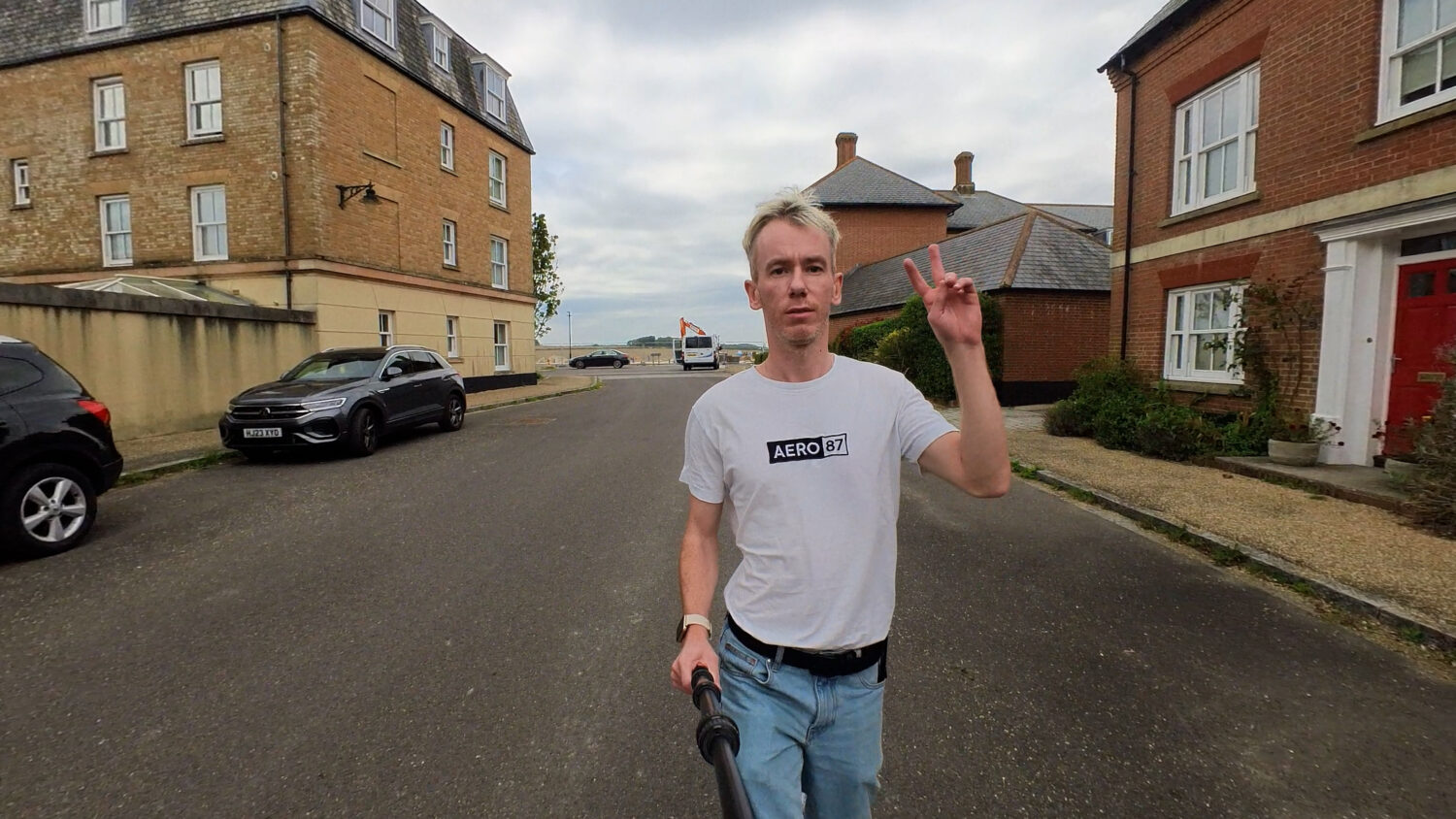
No invisible selfie stick with the Go 3
Using the single lens mode you can shoot 4K resolution standard video, which essentially makes the X3 two cameras in one.
You’ll also find the pretty unique “Me Mode” in the single lens option, which automatically keeps you in the centre of the frame no matter how you move the camera (you’ll need an invisible selfie stick to achieve this effect).
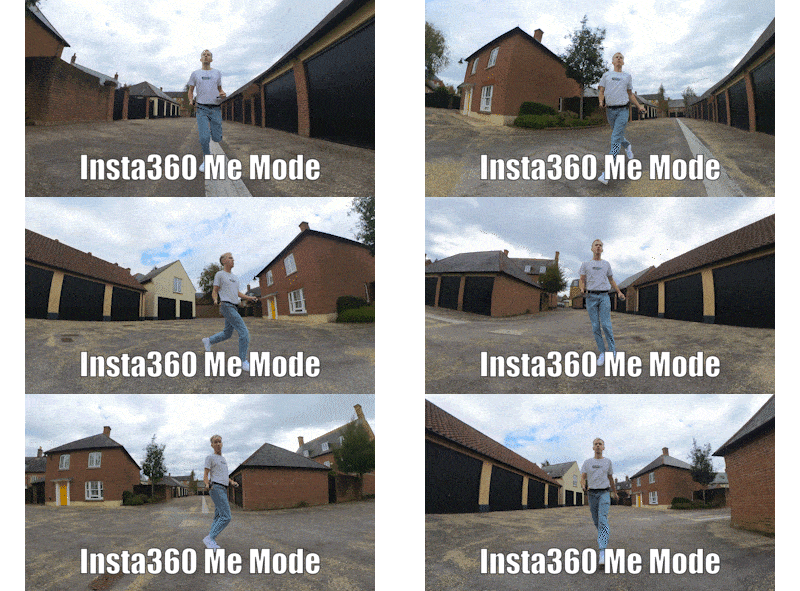
The X3 360 mode offers a lot more creative control and you are able to create unique shots that the Go 3 is not capable of. An example of this is the invisible selfie stick effect which is only possible with 360 cameras like the X3, allowing you to create shots like these:

The Go 3 is more of a standard point and shoot, but you can still get some unique shots due to the tiny size and it’s far easier to use.

Video Quality
Looking at the video quality of both cameras there isn’t that much between them. Obviously I’ll compare both the 360 and single lens mode but I think in either case the X3 just about wins when looking a side by side comparisons.
In 360 mode the X3 features pretty much unlimited field of view options, you can shoot how zoomed in or out the video is and have this change throughout the video. When the video is zoomed in the quality decreases and when zoomed out you get a slightly warped effect.
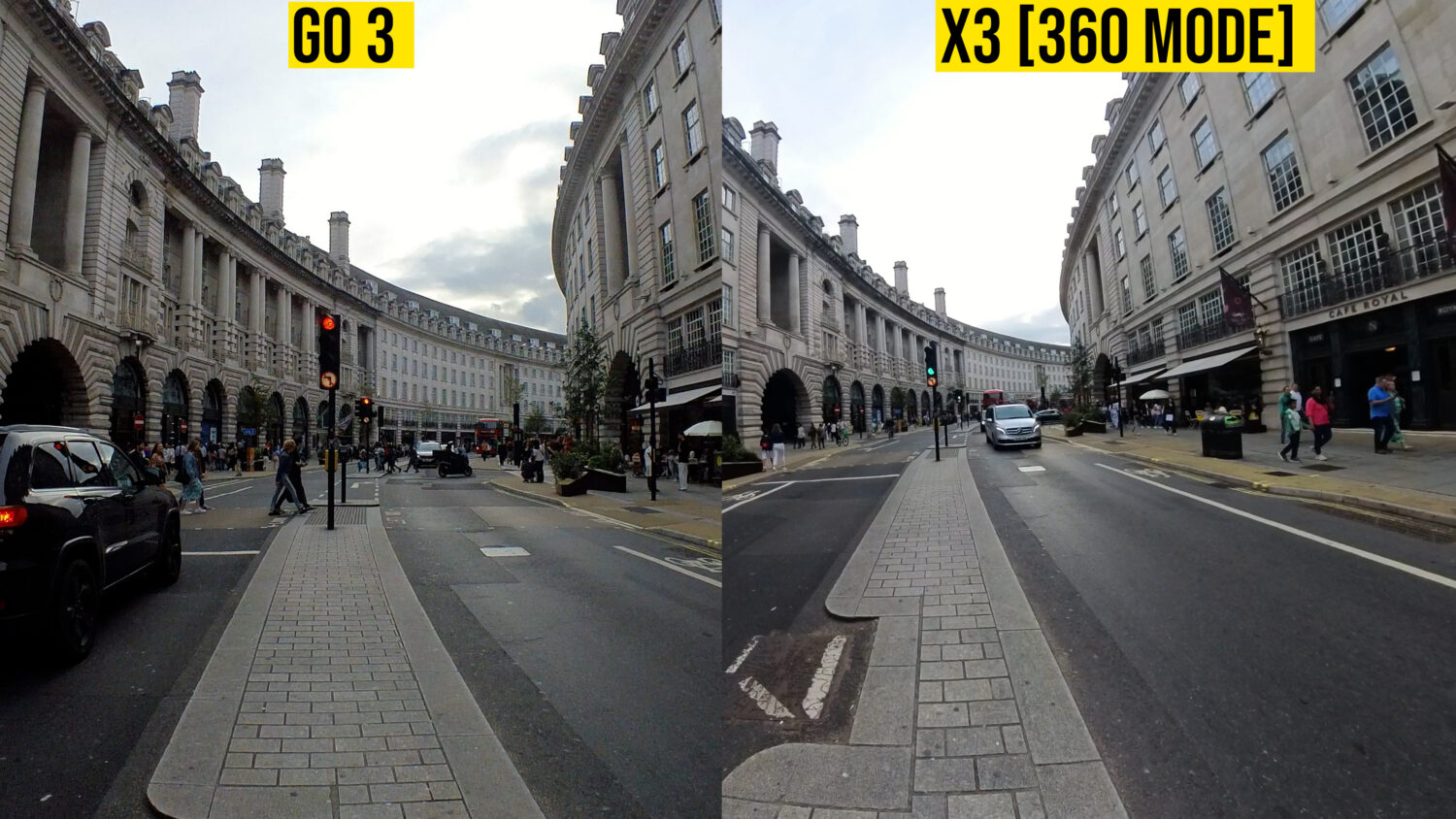
The Go 3 features three set field of view options, Action, Ultra Wide and Linear, however they aren’t that much different.
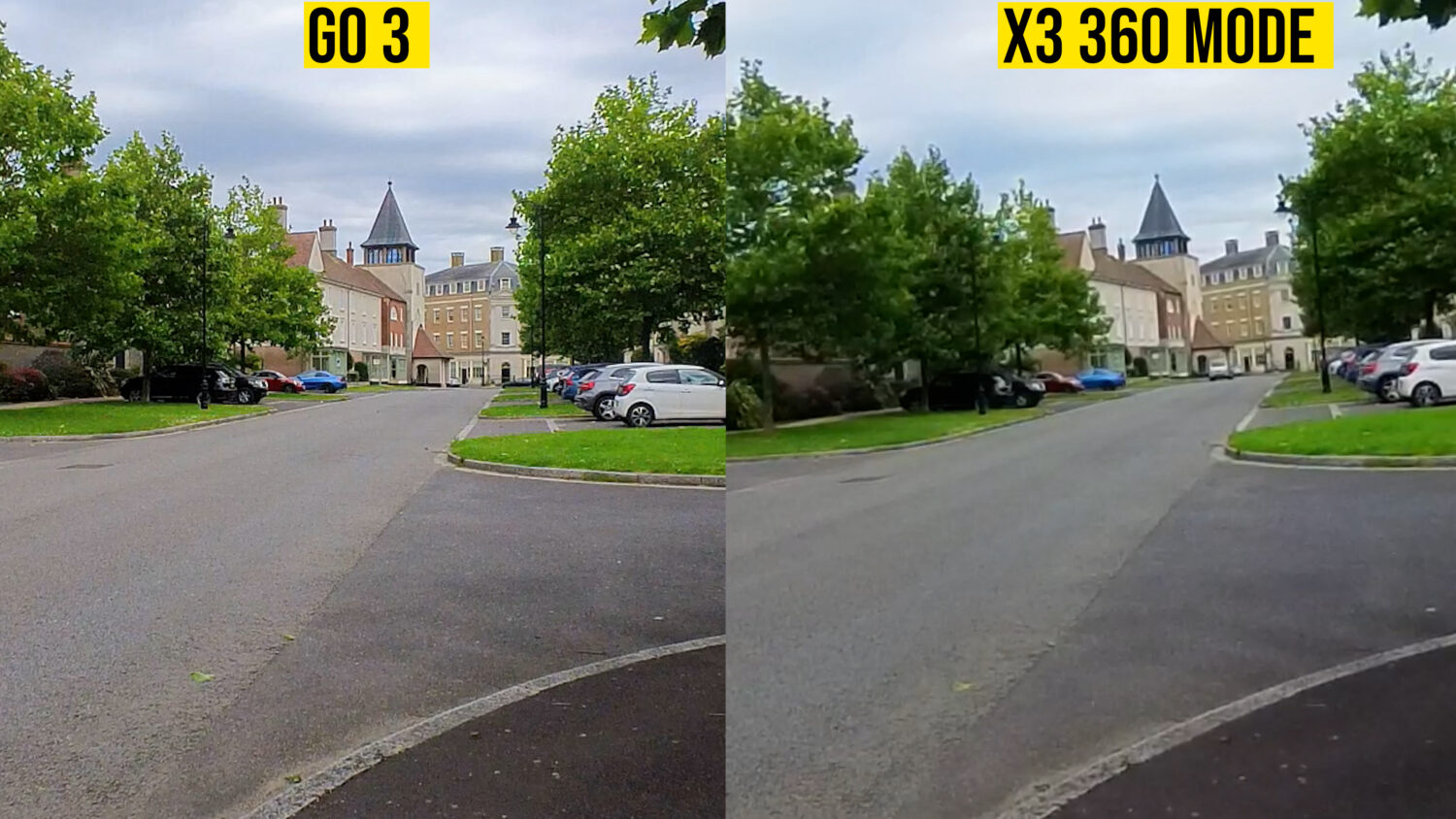
When comparing the Go 3 and the Insta360 in 360 mode the Go 3 footage tends to come out on top, with slightly sharper video, but remember the X3 360 video offers far more editing options and opportunities for creativity.
The Go 3 vs the X3 single lens mode is less clear cut. Even though the X3 single lens mode shoots at a higher resolution, the fish eye lens isn’t as good at picking up light and details.
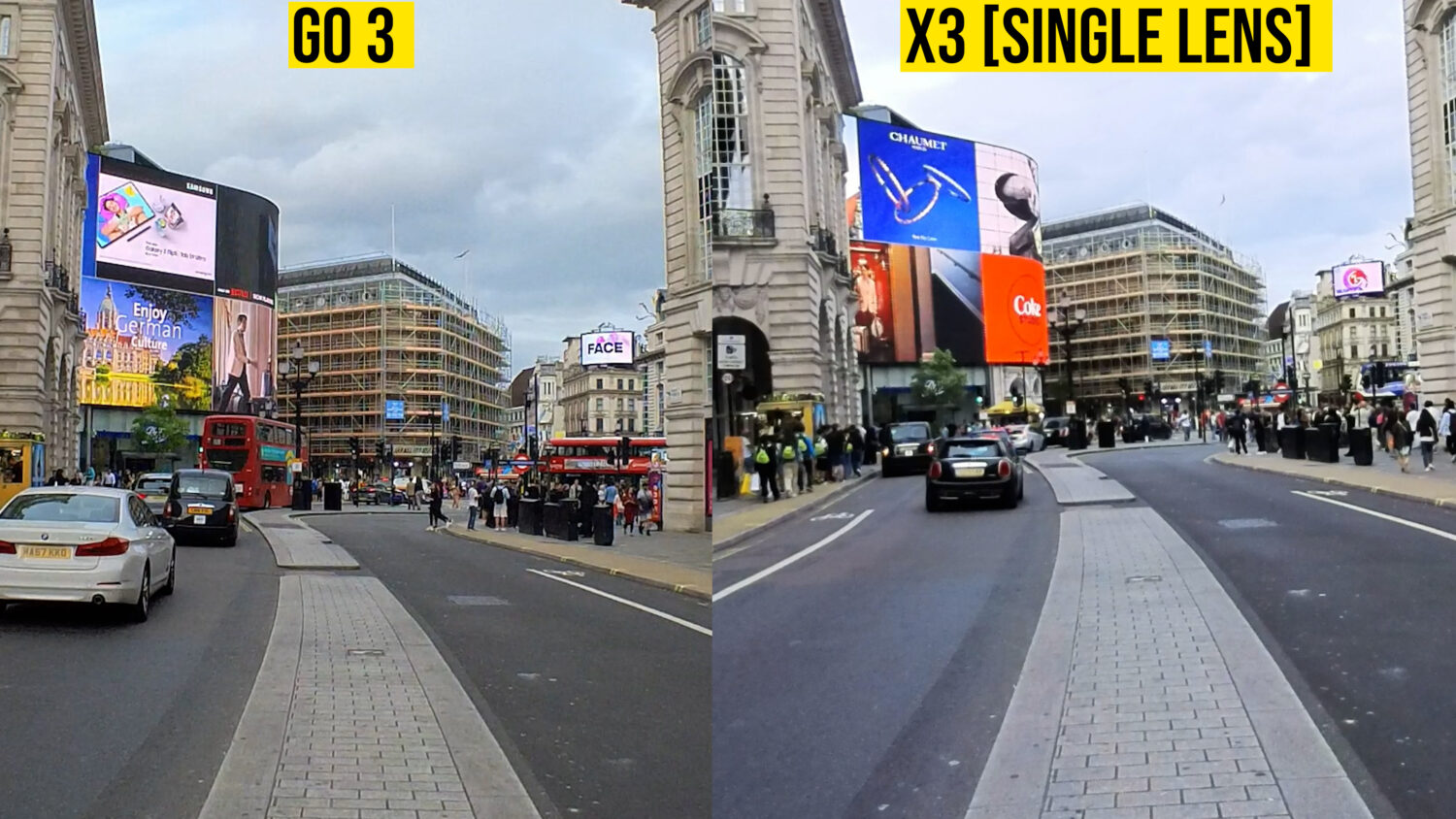
The Go 3 shoots at 60fps where as the X3 in 4K single lens mode is limited to 30fps. The higher frame rate is better for shooting any moving video which you’ll probably be doing a lot of with these cameras. The X3 can shoot 60fps video at a slightly lower 3.5K resolution.
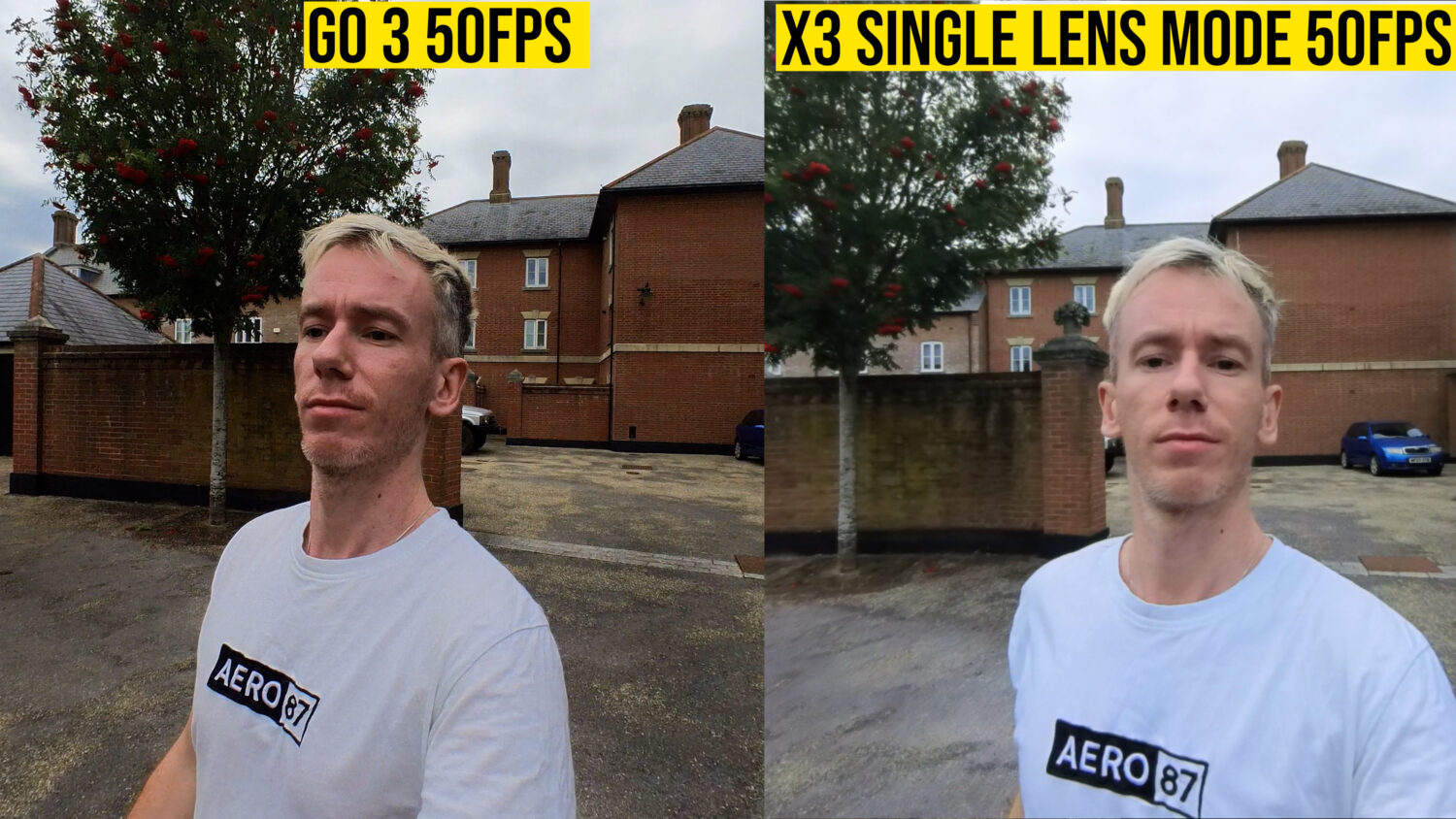
Neither of these cameras is designed to create the best possible quality video. Neither will look as good as video shot with a camera like the GoPro Hero 11, but they aren’t designed for that. Remember both of these cameras are designed to unlock your creativity and allow you to get unique, potentially viral shots.
After comparing the two it seems like the Go 3 shoots better quality video but the X3 has a lot more creative options.
Stabilization
I extensively tested the stabilization capabilities of both of these cameras as they are both sold as “action” cameras in one way or another. Both do very well but there’s a clear winner.
As I mentioned you should be using the Go 3’s “FreeFrame” mode which offers the better stabilization options and also allows you to alter the field of view from Linear to the more wide angel “Action” view.
The Go 3 does a pretty good job of keeping your video smooth when walking, running, cycling or when attached to the various mounts. It begins to struggle in more extreme circumstances but that’s to be expected.
The single lens mode of the Insta360 X3 is somewhat comparable to the Go 3, but able to handle more extreme movements slightly better due to the wide angle lens.
But by far the best option for any action shots is the X3 in the 360 mode. Shooting in 360 allows the camera to compensate for pretty much any movements and maintain a perfect horizon thanks to the horizon lock feature.
Photos
I wouldn’t recommend relying on either of these cameras for your photos because neither do a great job. For standard photos the X3 shoots higher resolution and the Go 3shoots less “warped” looking images. To be honest any phone made in the past 3 years will beat either camera for most types of photos.
Both cameras feature HDR photo modes which do improve the quality, but I would only use them if my phone camera was inexplicably unavailable.
The one advantage the X3 has is the ability to shoot 360 photos at a pretty high resolution. You can use these to create 360 Virtual Tours or reframe them into animated photos.
Software
Included with all Insta360 cameras is the Insta360 App and Desktop Studio which are free to download. These programs are pretty advanced and offer a lot of editing features.
For the Go 3 the App allows you to automatically create vlogs, adding music, text and themes. You can also follow shooting tutorials and automatically create certain special effects. You can also combine different shots and create more full length videos.

The Insta360 App offers far more editing options for the X3, particularly when using the 360 mode. Not only do you have the re-framing options, which allows you “shoot first, point later” but also allows for dozens of different unique shots, some of which can be automatically created in the Apps “shotlab” section.
The App requires a fairly powerful phone to run everything smoothly and it can take sometime to learn all of the editing tricks, but it’s probably the best companion app for any camera I’ve ever had.
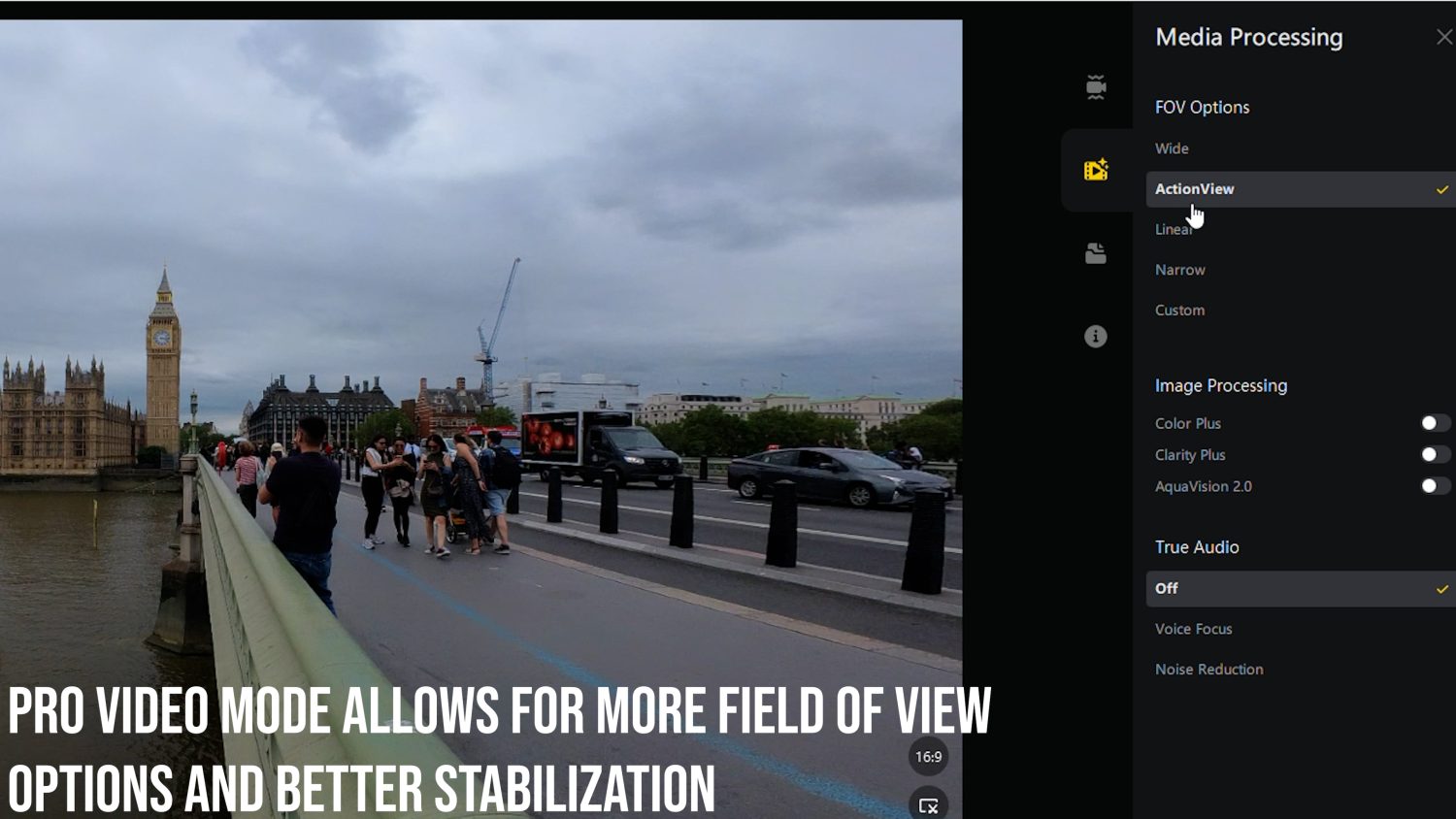
The desktop based studio software has less editing options than the app but does allow you to export your footage at higher resolutions, higher bit rate and overall higher quality.
Other Features
Battery Life: The X3 has a fairly average battery life and can drain pretty quickly if you shoot long videos in the 360 mode. Insta360 quotes around 1 hour of continuous shooting time.
The Go 3 on it’s own also has a pretty weak battery life, but the dock allows for up to 3 full rounds off charging so as long as the dock is fully charged before you go out shooting you should be good for a whole day.
Water Resistance: The X3 is technically waterproof without a case up to 5M. I say technically because you need to make sure all of the doors and ports are fully secure before doing so. Many have fallen foul of this and the result is a broken camera.
The Go 3 without the dock is also fully waterproof and is much more likely to remain so as it has no doors and ports to worry about. The dock is not waterproof at all so keep it away from water.
Summary: Which should you buy?
If you want an easier to use camera that can go places that no other action camera can, then the Go 3 is for you. If you want to spend more time editing, creating unique, viral shots or you want perfect stabilization then the X3 is the one to go for.
That’s pretty much it in a nut-shell. The X3 is definitively the more advanced camera with more shooting options and modes; not to mention it’s basically two camera in one. That is also reflected in the price however.
The Go 3 is in it’s own little category (little being an apt term) with it’s unique selling point being its size. You can still get creative but
Where to Buy
You can get both the Insta360 X3 and Go 3 from Insta360’s official website, which ships worldwide. Using the links below you’ll get a free accessory with your camera thanks to an exclusive deal on this website.
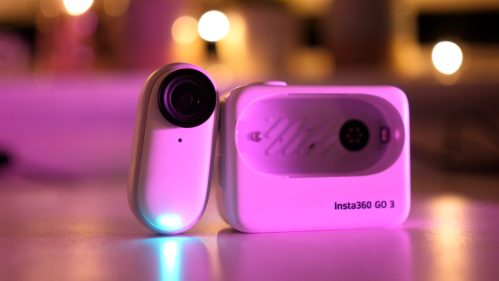
Insta360 Go 3
 insta360.com
The third generation tiny action cam that can be mounted pretty much anywhere for unique shots.
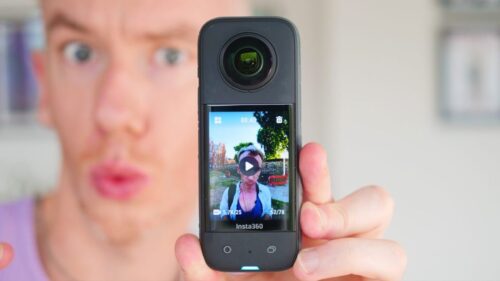
Insta360 X3
insta360.com The flagship 360 camera with nearly unlimited creative potential. Two cameras in one thanks to the single lens mode