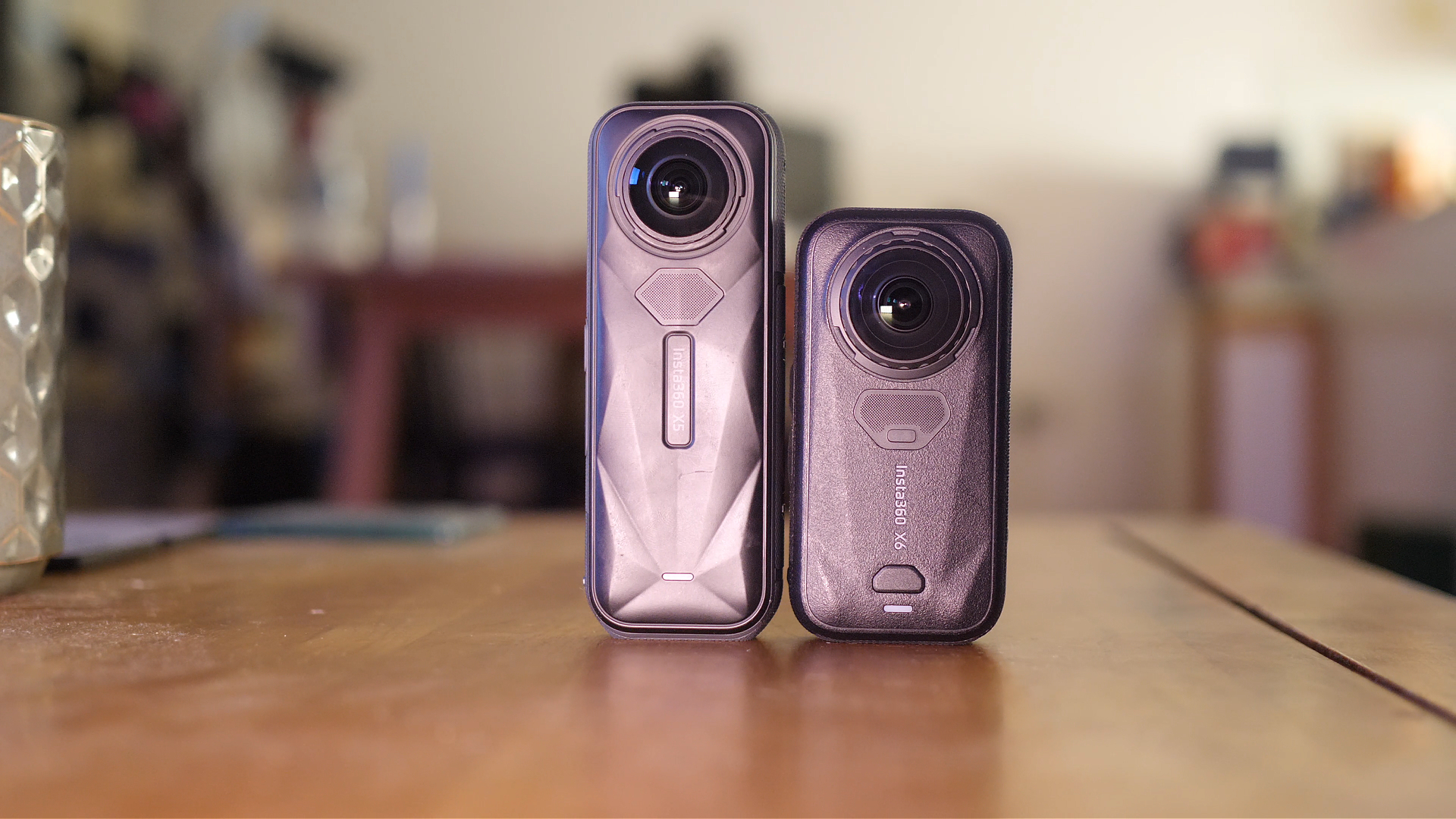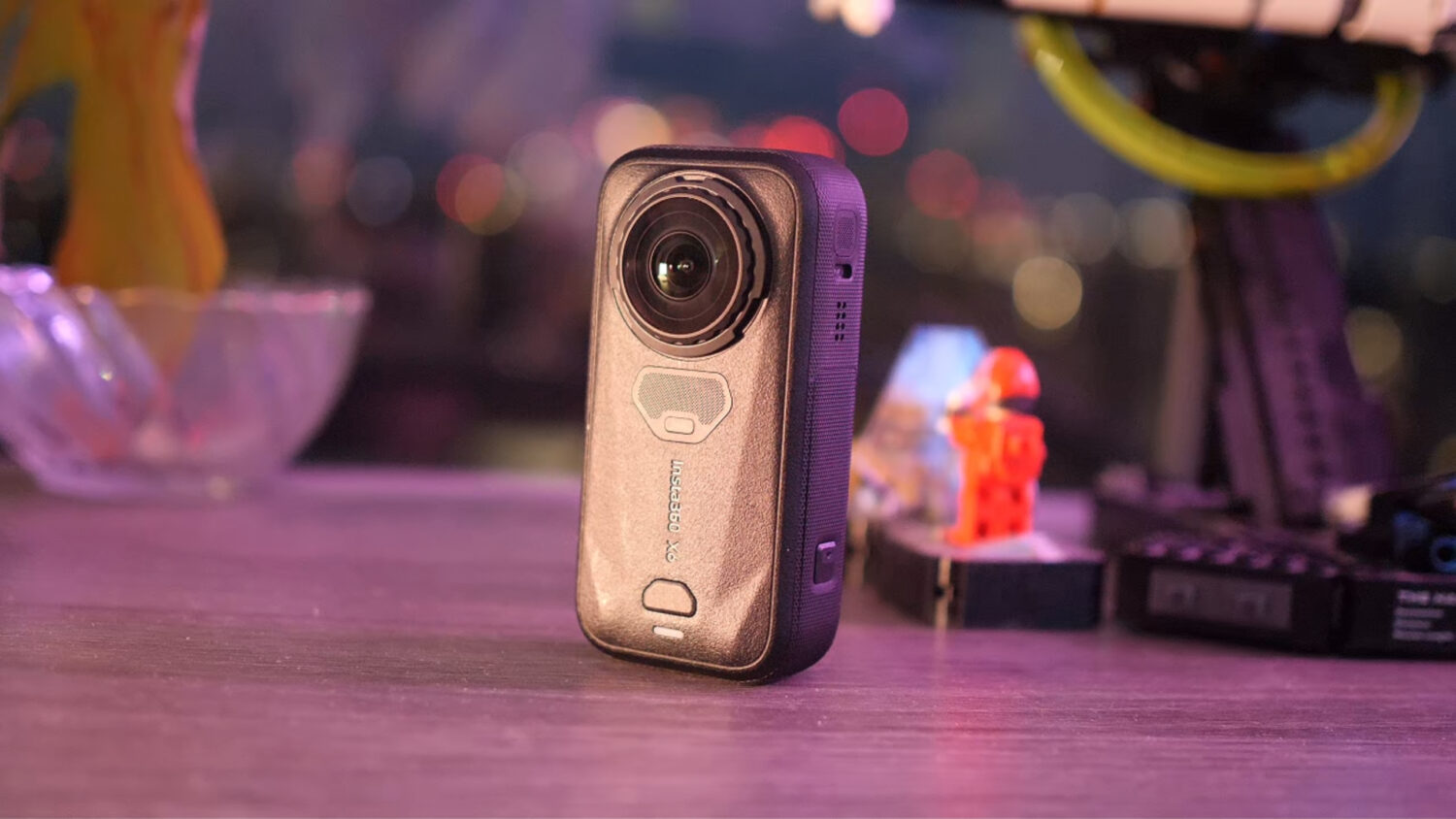


Insta360 cameras such as the Insta360 X3 and Insta360 RS feature two protruding fish eye lenses that allow you to shoot 360 video.
The technology behind these cameras is pretty amazing and allows you to shoot fully stabilized video as well as create many unique shots that are not possible with other types of cameras.
One of the disadvantages of these cameras is the vulnerability of the lenses. If you were to drop your Insta360 camera then chances are that one of the lenses will get scratched or worse.

It’s possible to damage any type of camera lens, however 360 cameras are particularly vulnerable due to the half sphere shape of the lenses which stick out further than the camera body.
Any scratches are likely to impact the quality of your video and will almost certainly be visible in videos and photos as a blurry smudge.
So what can you do to prevent or repair your broken Insta360 Camera lens? Let’s firs take a look at some preventative measures.
Lens Protectors
It’s obviously better to prevent any damage to your camera before it happens, so with that in mind Insta360 have created lens protectors for all their cameras.
The cheapest option is the Sticky Lens Protectors, available for the Insta360 X3, Insta360 One RS & Insta360 X2

These lens protectors feature a stick adhesive which you manually attach to your camera. Make sure you carefully follow the instructions or you may impact the quality of your video. For example make sure the glass lenses are clean before attaching the lens protectors.
If attached correctly the lens protectors should not negatively impact the quality of your photos and videos, but should protect the camera lenses from any damage. You’ll probably need to replace the stick lens protects each time you drop the camera as the will likely break themselves.
Insta360 also sell a Premium Lens Protector which snaps onto the camera and features a locking mechanism which keeps the protector in the right place.
Insta360 Care
Probably the best option to ensure you are not left with a defective camera is to purchase Insta360 Care along with your camera.
If you buy Insta360 Care then you’ll be able to get a free replacement camera if you accidently damage yours. The price of this service is $45 which is actually pretty good value if you intend to use your camera extensively in potentially risky situations.

Insta360 may want to repair your camera rather than replace it, which will mean sending your camera away and waiting a few weeks, however Insta360 Care also covers the cost of delivery.
If you break your camera and haven’t purchased Insta360 Care you can still content the company and ask for the camera to be repaired, however you will have to pay the full cost of a lens replacement and delivery which is usually north of $180/£170.
Repairing a Broken Insta360 Lens
So you’ve damage the lens on your camera you are wondering if you can fix it yourself. What you can do will depend on the extent of the damage.
If you have smashed the glass then there isn’t anything you can do other than send the camera to be repaired. Insta360 Lenses are integral parts of the camera and are not able to be removed and there are no spare parts available to buy.
If you have lightly scratched one of the lenses then you may be able to fix it, but with some risks.
Polish The Lenses
Probably the most effective way to remove lens scratches is to use a Lens Repair tool, a polishing set and a polishing compound.
Here are some link to everything you’ll need:
Lens Repair Tool (Dremel): https://amzn.to/3TYjIw3
Polishing Kit: https://amzn.to/3FNhI5c
Polishing Compound: https://amzn.to/3WodjeZ
In total this kit should set you back around $60 depending on discounts.
Follow this excellent tutorial on how to use the polishing method to repair scratches:
The method essentially involves lightly buffering out scratched until they are no longer visible. Once again this will only work with light scratches, not with cracked or smashed lenses.
WARNING: This method is not full-proof and if done incorrectly can further damage your camera. One issue is that if done too aggressively the protective coasting will be removed and may impact the quality of your video.
It’s always better to prevent damage than fix it, so I do recommend purchasing one of the lens protectors with your camera, however the polishing option may work if you are willing to go through that process.
See Also: Best 360 Cameras Right Now