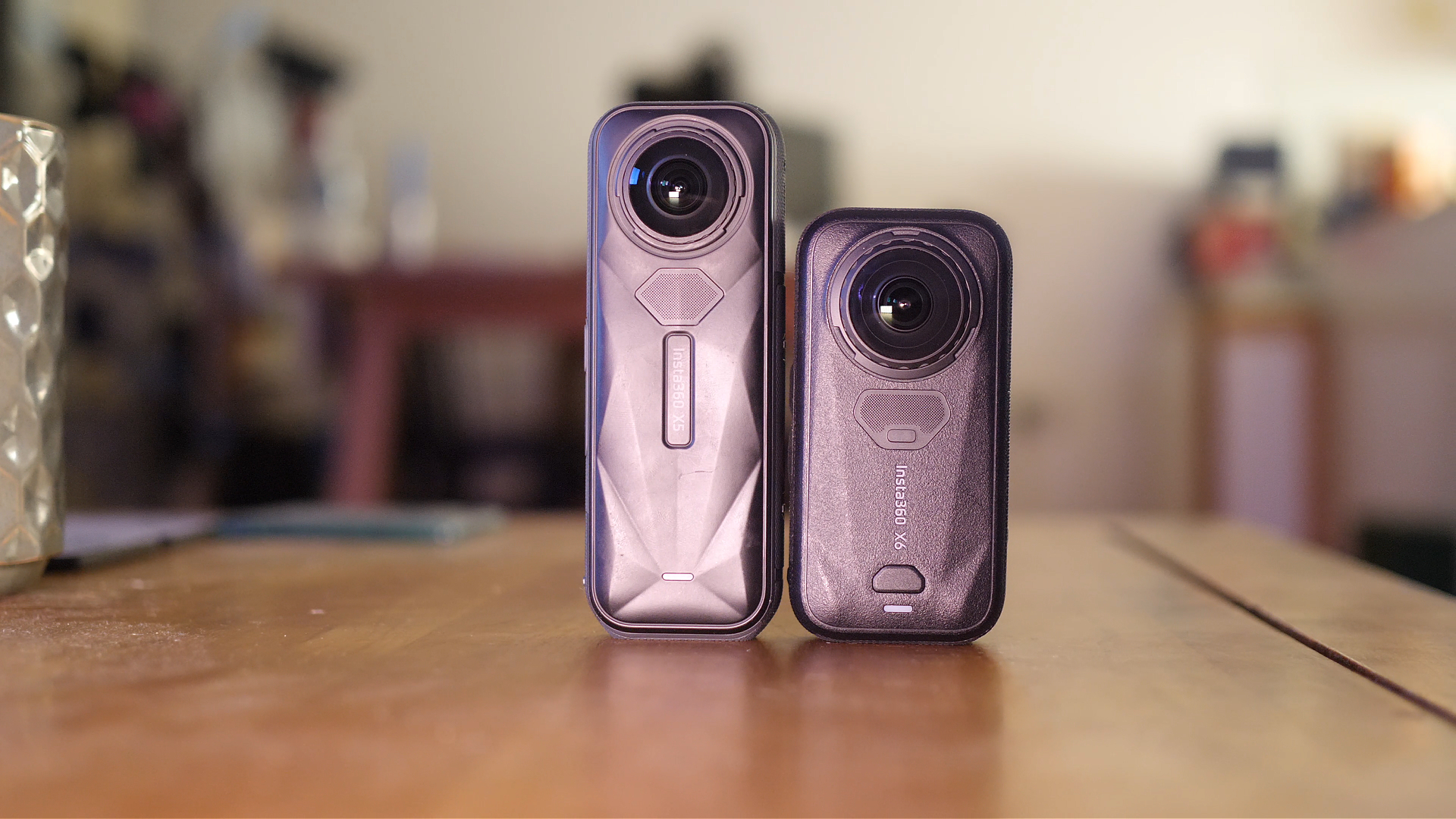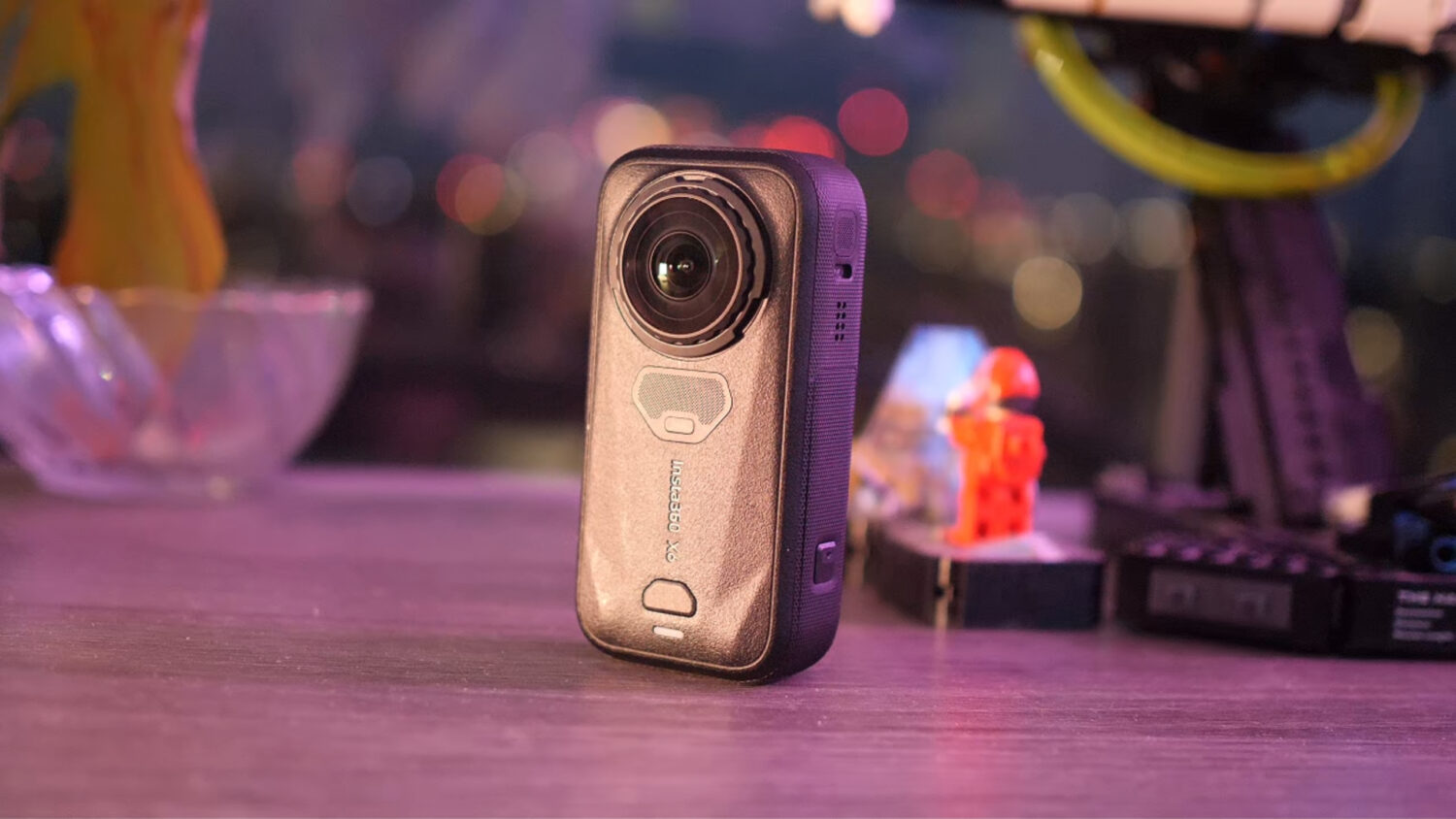


The Insta360 X3 has received its first big firmware update adding new features. You’ll also find updates for the Insta360 App and Desktop Studio.
There are 3 big new features being added to the Insta360 ecosystem. The first and probably most interesting of these is the ability to reframe your 360 videos on the App and then export using the Desktop Studio.
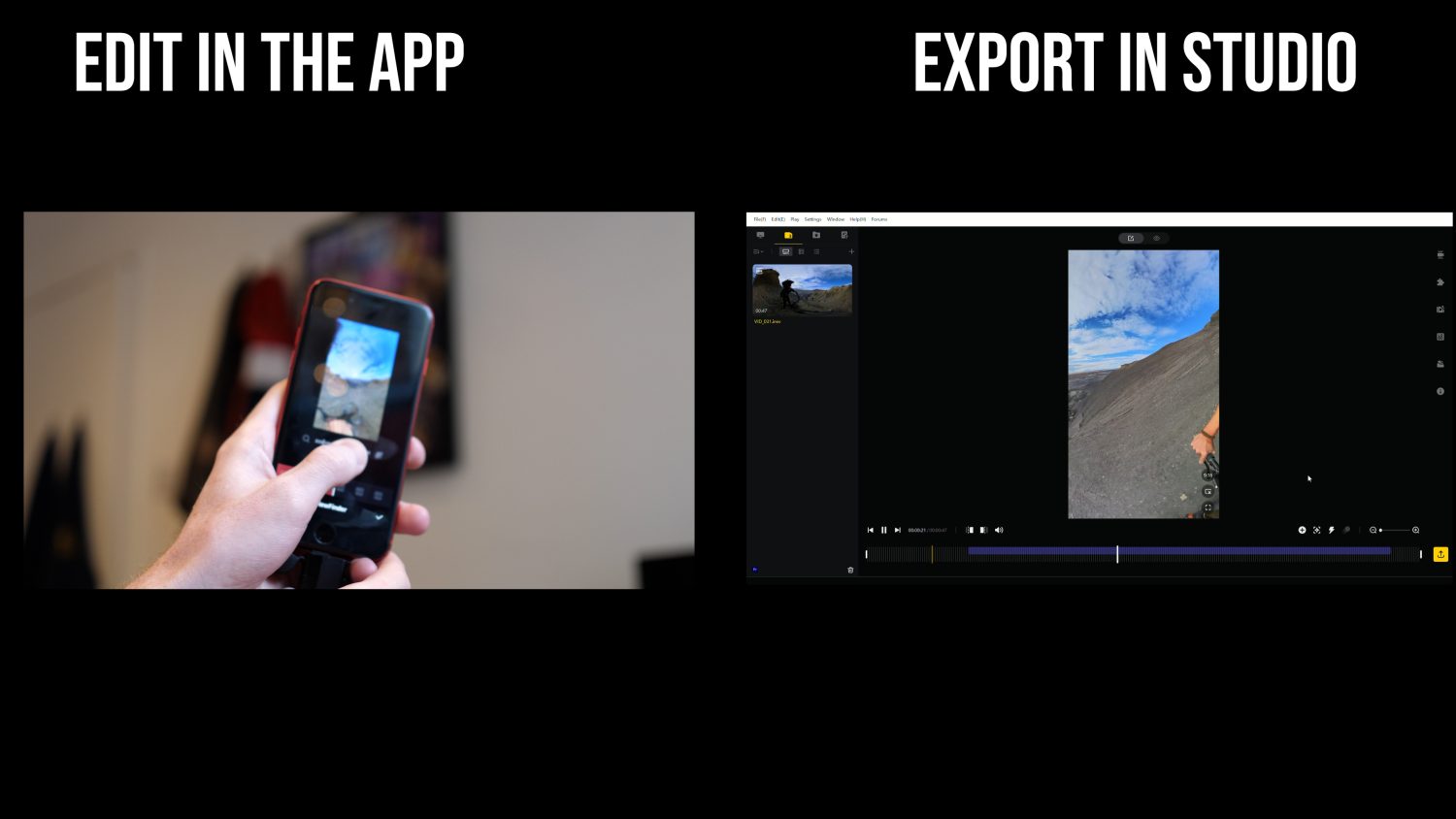
Editing your Insta360 videos on the phone can be more user friendly but the exporting options are limited. Videos exported using a phone won’t look as good as those exported on a laptop/desktop, the desktop studio also allows you to upscale your videos to 4K and up the bitrate to boost quality.
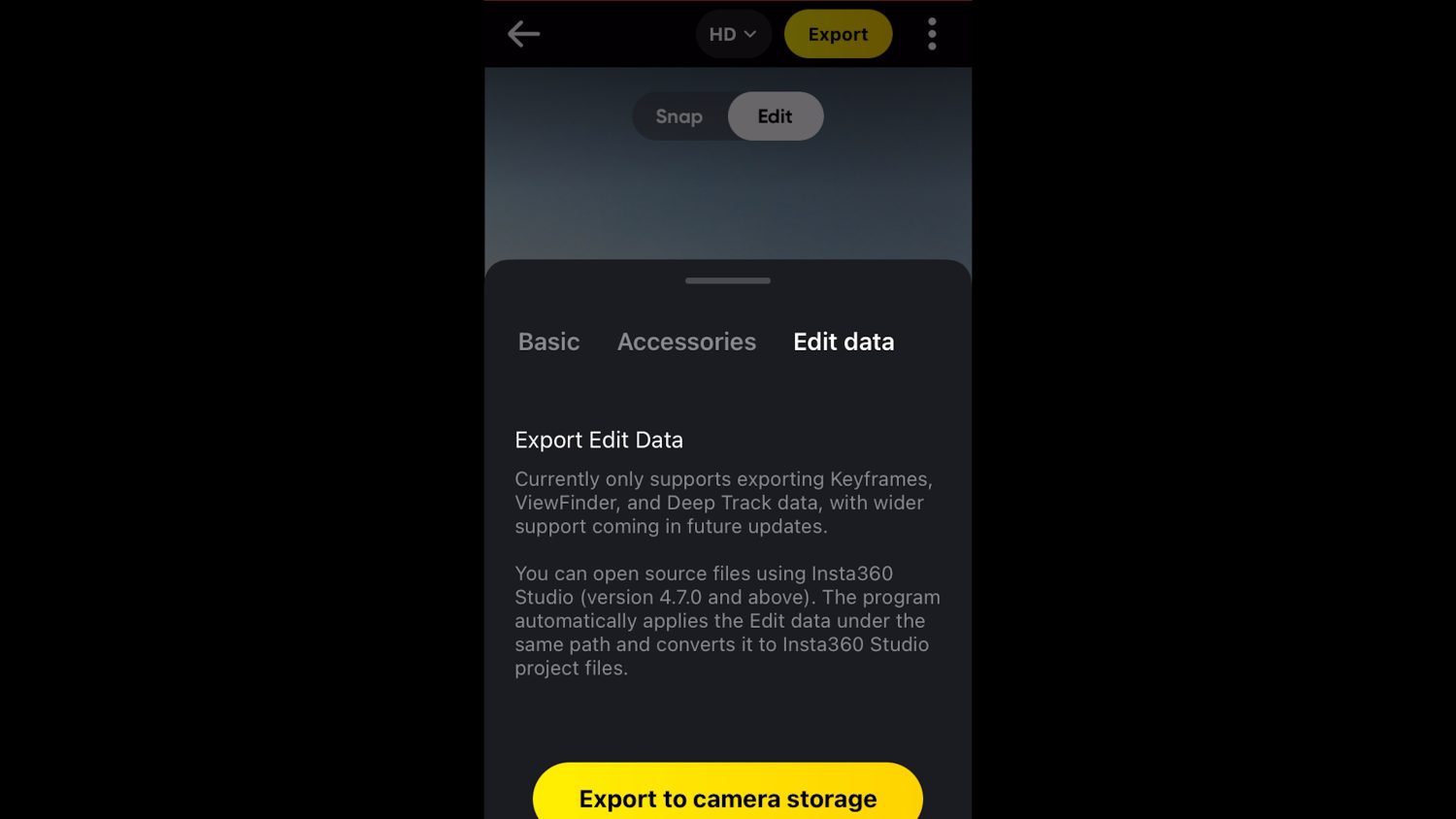
You can also now use the “Viewfinder” editing function on your phone, which is where you physically move your phone to reframe your videos. Now you can get these videos at the higher quality the Desktop Studio allows for.
This way of editing only works when using the keyframes, viewfinder or deep-track functions on the App. You can’t yet use the popular “Shotlab” or other AI features available in the app but these could be made available in a future update.
Boosted Pureshot Mode
One of the headline features of the Insta360 X3 is that it can shoot 72MP 360 photos, a big boost from the previous camera. Insta360 also has a “Pureshot” mode which shoots DNG RAW images and automatically enhances them, significantly boosting overall image quality.

The downside of using Pureshot mode is that the resolution was limited to just 18MP, but with this new update you can get the Max 72MP resolution too. This makes the X3 a pretty powerful 360 photography camera, certainly good enough for lower end virtual tours or for those who need sharp 360 photos for professional purposes.
Webcam
Last but not least this firmware update finally brings the promised webcam feature to the Insta360 X3. Once you’ve updated the firmware you’ll notice the webcam option appear in the camera options.

When selected the camera will restart when you plug it into a laptop/desktop. You’ll find the Insta360 X3 become a camera option when using any of the popular video calling apps like Zoom or Skype. You can choose to use either lens as the webcam or use both at once for conferencing.
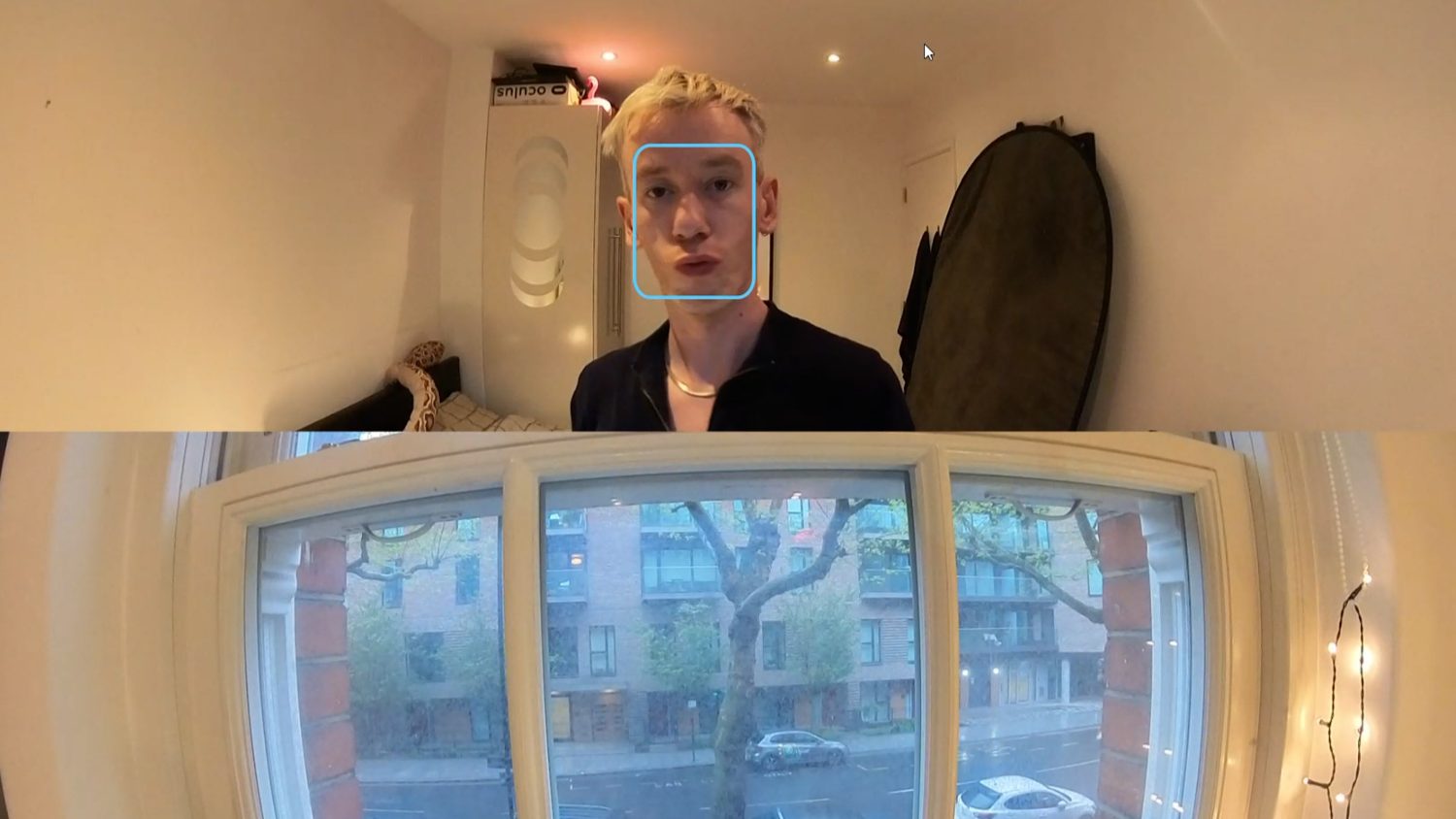
The quality of the webcam footage is fairly decent and certainly a lot better than most built in webcams. The video has a wide angle fish eye effect and there’s a face tracking option available too.
Check out the below video to see exactly how to use all these features: