 The 360 Guy
The invisible selfie stick effect is achieved thanks to a quirk of 360 cameras and can’t be achieved with other cameras like a GoPro Hero or a smartphone. 360 cameras work by using two fish eye lenes facing away from each other; each capture half the field of view which are then combined together to create the 360 video of photo.

While a 360 camera can capture the full 360 degrees around it, there’s a small blind spot in between the two camera lenses that’s roughly half the thickness of the camera body.

As long as the 1/4 inch mount is located on the body between the two lenses, and they nearly almost always are, then the camera can make use of the invisible selfie stick effect.
Which Cameras Does it Work With?
The most popular 360 cameras right now are made by Insta360 which is also the company that has marketed the invisible selfie stick effect to its fullest extent, using slogans like “no drone, no problem”. Cameras like the Insta360 X3 and Insta360 One RS with the 360 mod work with the invisible selfie stick effect, however single lens cameras like the Insta360 Go 3 can’t achieve this effect. The company has also developed it’s own range of invisible selfie sticks that will work perfectly to achieve the effect, but I’ll talk most about those later.

While Insta360 may have popularised the invisible selfie stick effect it’s not only their cameras that can achieve it. The GoPro Max, QooCam3, Ricoh Theta and pretty much every consumer 360 camera can achieve this effect if you use the right type of selfie stick.
Equipment You’ll Need
So what kind of selfie stick do you need? Most selfie sticks used for smartphones and other cameras aren’t suitable as they have too much sticking out at the top which would be outside of the cameras blind spot.
You’ll want to use a tripod that is very slim at the top with nothing sticking out. As I mentioned before Insta360 makes their own range of invisible selfie sticks which are guaranteed to work with all types of 360 cameras to achieve this effect. Other companies have also started developing their own selfie sticks, but as long as they look something like this then you’re good to go.

There are a few other things to consider as well, such as the length of the selfie stick, the material used and how the stick can be extended.
The standard length of an invisible selfie stick is around 110cm which is long enough to achieve most of the unique shots and seemingly impossible angles you’ve probably seen being made with 360 cameras.
If you want to achieve a “fake drone” effect, which is becoming another popular use of 360 cameras in places where drones are banned, then you’ll need to purchase an extra long invisible selfie stick ,which are up to three times longer than the standard ones. Using one of these to their fullest extent allows you to recreate a drone like effect. This works best with smaller and thinner 360 cameras as heavier ones will make the selfie stick bend and become visible in your video.
How to use
When using cameras like a GoPro Hero to record yourself you’ll position the camera so the lens is facing you like this, which makes sense. But you don’t want to do this with a 360 camera, in fact you’ll want to position the camera so the body is facing away from you like this. It may seem like the camera isn’t recording you because the lenses are not facing you, but remember a 360 camera is recording everything around it at once. So holding the camera like this is actually the best way to record yourself.
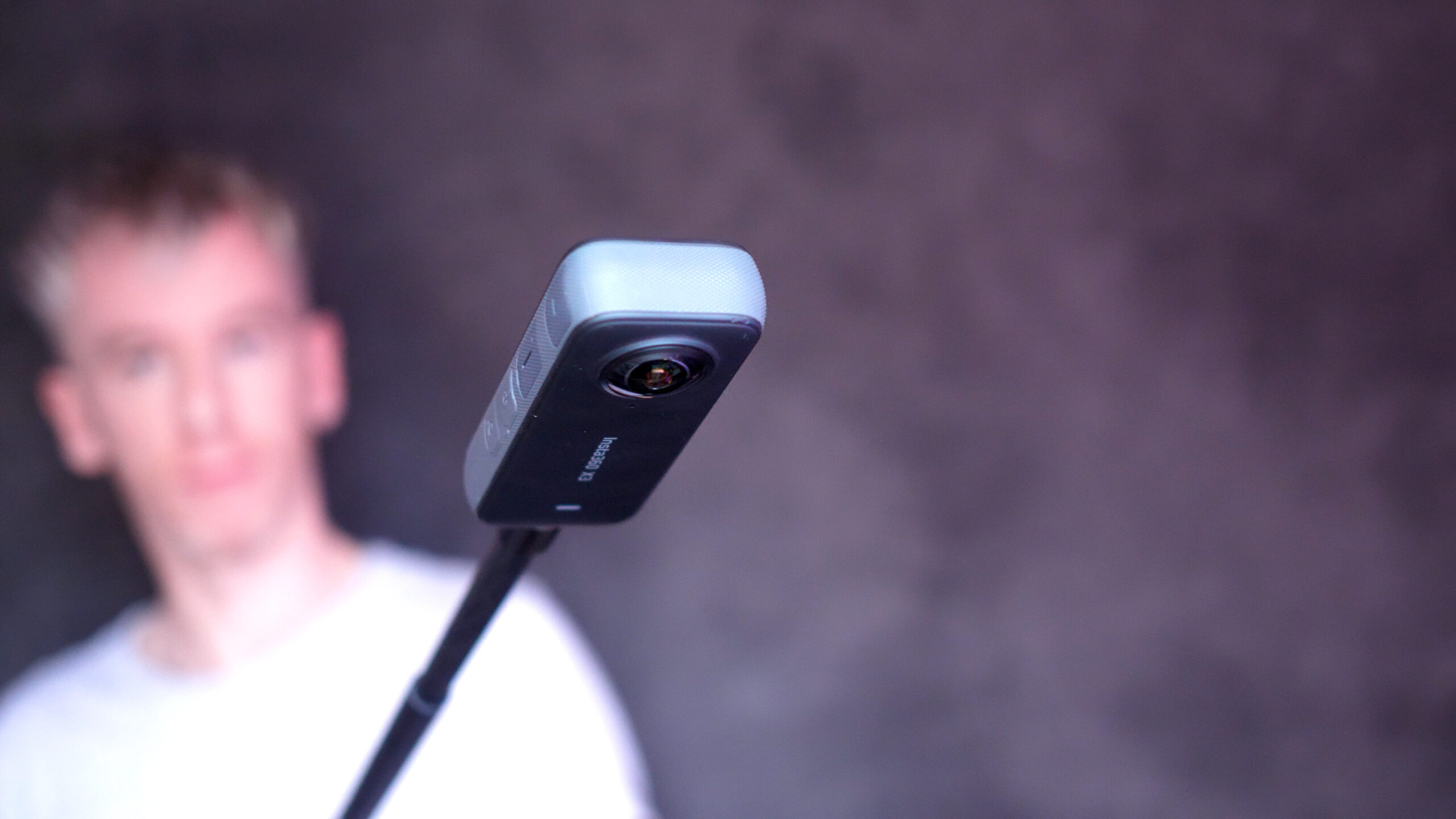
Following these simple steps will allow you to get the best invisible selfie stick effect no matter what 360 camera you are using. Most of the unique shots that are making 360 cameras more and more popular require using an invisible selfie stick.
A lot of the time you just have to hold the camera in front of you and capture the action, most of the creativity is in the editing. Sometimes you need to move your camera in a more specific way.
If you want to fast track your way to learning the most awesome 360 camera effects then chance out my Ultimate Insta360 Video Course which will teach you how to create over 40 unique effects including set-up, shooting, editing and exporting.


Owner of threesixtycameras.com. Writer, photographer and videographer. You can see my YouTube channel for guides of how to shoot 360 video. I've written for The Times, Digital Photography School and Sunday Express.